

If you've ever removed your car's headliner for repair or audio installation, you've probably experienced that sinking feeling when brittle plastic clips snap in your hands. 3D printed car headliner clips offer a permanent solution to this universal automotive frustration, letting you replace broken fasteners for pennies instead of hunting down expensive OEM parts that may no longer exist.
Headliner clips are the unsung heroes of your car's interior, quietly holding up that fabric-covered board above your head. When they fail—and they will, especially on vehicles over 10 years old—you're left with a sagging ceiling, rattling noises, or both. The good news? These clips are among the easiest automotive parts to 3D print, requiring no complex geometry and using materials readily available to any home maker.
What Are Headliner Clips and Why Do They Break?
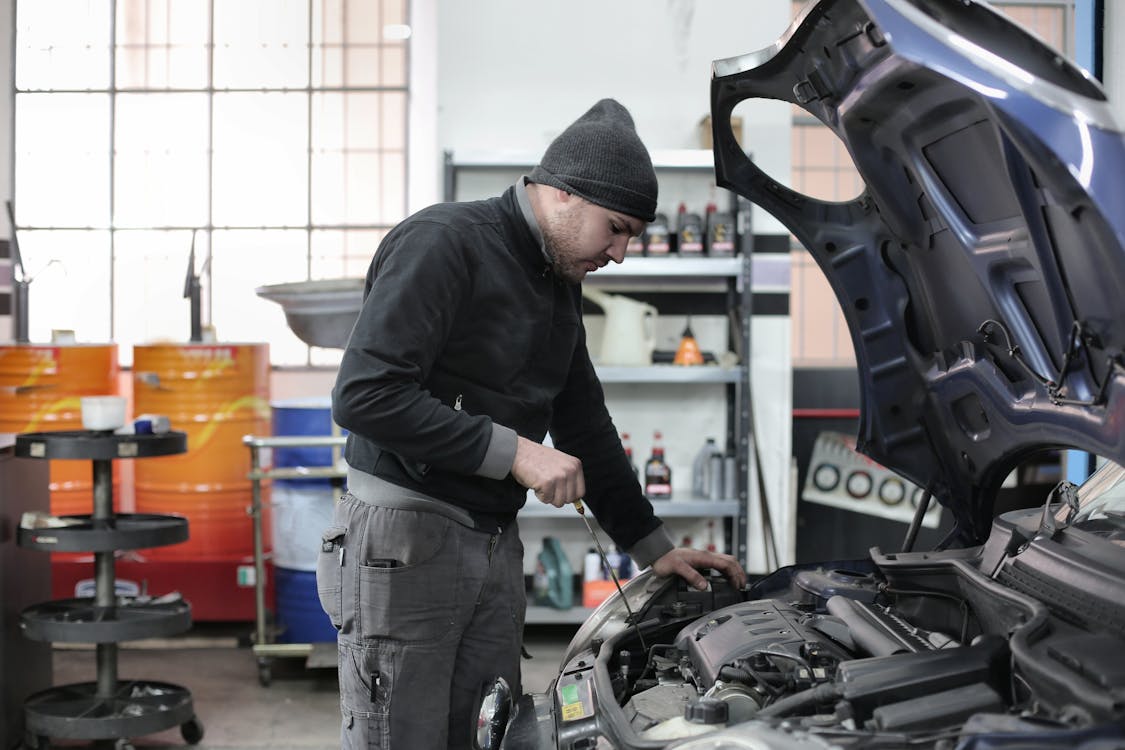
Headliner clips are small plastic fasteners that secure your car's interior ceiling (the headliner) to the metal roof structure. Unlike simple push-pins, many headliner clips use complex retention mechanisms designed for factory installation but not necessarily for repeated removal.
Common Types of Headliner Clips
| Clip Type | Description | Common Vehicles | 3D Print Difficulty |
|---|---|---|---|
| Push-Pin Retainers | Two-piece expandable pins | Most Japanese vehicles | Easy |
| Christmas Tree Clips | Barbed shaft, friction fit | GM, Ford, Chrysler | Easy |
| Twist-Lock Clips | Quarter-turn locking mechanism | European vehicles (BMW, VW) | Moderate |
| Screw-On Caps | Decorative cap over screw head | Nissan, Toyota trucks | Very Easy |
| Slide Clips | Slides into metal channel | Mercedes, Audi | Moderate |
| Sun Visor Clips | Spring-loaded brackets | Universal | Easy to Moderate |
Why OEM Clips Fail
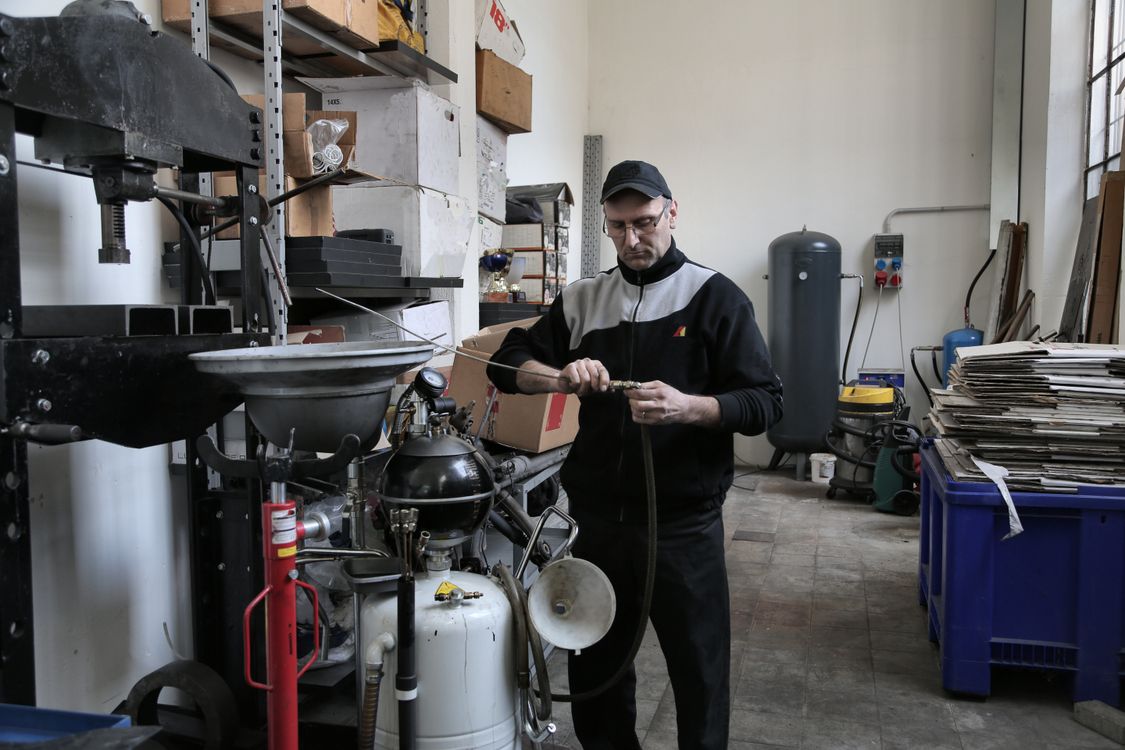
Factory headliner clips typically use low-cost plastics like polypropylene (PP) or standard ABS. Over years of exposure to UV radiation filtering through windows and temperature extremes from -20°F to 150°F+, these materials become brittle. The typical failure modes include:
- Brittleness: UV degradation causing plastic to crack under minimal stress
- Deformation: Heat cycles causing clips to lose their spring tension
- Tab breakage: Locking tabs snapping during removal attempts
- Post failure: The central retention post breaking at the base
⚠️ Common Mistake
Many car owners try to reuse broken clips with super glue or epoxy. This rarely works long-term because the repaired joint cannot flex without re-breaking. 3D printing replacement clips is faster and creates parts that actually work.
Best Materials for 3D Printed Headliner Clips
Choosing the right filament is critical for headliner clips. Interior car parts face moderate heat (up to 85°C/185°F in direct sun), minimal UV exposure, and need flexibility for installation without breaking.

| Material | HDT (°C) | Flexibility | Print Difficulty | Best For |
|---|---|---|---|---|
| PLA | 52-60°C | Brittle | Easy | ❌ NOT for automotive |
| PETG | 65-75°C | Good | Easy | Mild climates only |
| ABS | 88-105°C | Good | Moderate | Interior clips |
| ASA | 95-100°C | Good | Moderate | ✅ Best for headliner clips |
| PA (Nylon) | 80-180°C | Excellent | Hard | High-stress clips |
| PA-CF | 150-180°C | Moderate | Hard | Extreme heat areas |
✅ Recommended: ASA
ASA (Acrylonitrile Styrene Acrylate) is our top recommendation for headliner clips. It offers excellent heat resistance (95-100°C HDT), UV stability for occasional sunlight exposure through windows, and enough flexibility to install without cracking. It prints similarly to ABS but with better weather resistance.
Why Not PLA?
🚫 Critical Warning: Never Use PLA for Car Interior Parts
PLA's heat deflection temperature of 52-60°C is far below the temperatures your car's interior reaches in summer. A parked car in direct sunlight routinely exceeds 60°C (140°F), and dash surfaces can reach 80°C (176°F). PLA clips will deform and fail, potentially dropping your headliner while driving.
Where to Find Headliner Clip STL Files
Before designing from scratch, check these community resources for pre-made headliner clip designs:

| Source | URL | Best For | Cost |
|---|---|---|---|
| Printables | printables.com | BMW, VW specific clips | Free |
| Thingiverse | thingiverse.com | Generic automotive clips | Free |
| Cults3D | cults3d.com | Parametric designs | Free/Paid |
| STLFinder | stlfinder.com | Search across platforms | Free |
| Vehicle Forums | Model-specific forums | Exact OEM replacements | Free |
| 3DCP Community | Our Parts Library | Verified automotive parts | Free |
Popular Pre-Made Headliner Clip Designs
- BMW E60/E61 Series: Headliner clips for 5-Series sedan and wagon
- VW Caddy/T4: Ceiling clips that commonly break during removal
- Nissan Frontier/Titan: Cap finisher clips (OEM PN: 73988-7S200)
- Subaru Body Panel Clips: Universal fender liner retainers (909130067)
- Toyota/Holden: Generic push-pin panel clips
💡 Pro Tip: Search by OEM Part Number
If you can find the OEM part number on your broken clip (sometimes molded into the plastic), search for that number plus "3D print" or "STL" to find exact replacement designs.
How to Design Your Own Headliner Clips
When you can't find a pre-made design, creating your own headliner clip is surprisingly straightforward. These are simple parts that don't require advanced CAD skills.

Step 1: Measure the Original Clip
If you have an intact clip (or even broken pieces), measure these critical dimensions:
- Hole diameter: Measure the mounting hole in the metal roof (usually 6mm, 8mm, or 10mm)
- Clip head diameter: The decorative cap that sits against the headliner
- Post length: Total length from head to retention barbs
- Retention barb angle: The angle of the barbs that hold the clip in place
- Material thickness: How thick is the sheet metal at the mounting point
Step 2: Choose Your CAD Software
| Software | Skill Level | Cost | Best For |
|---|---|---|---|
| TinkerCAD | Beginner | Free | Simple push-pins |
| Fusion 360 | Intermediate | Free (hobby) | Parametric clip designs |
| OnShape | Intermediate | Free | Browser-based, easy sharing |
| FreeCAD | Intermediate | Free (open source) | Fully parametric designs |
Step 3: Design Principles for Clips
Follow these guidelines when designing automotive clips:
- Add 0.2-0.3mm clearance to hole dimensions for easy insertion
- Design barbs at 30-45° angle for secure retention without permanent locking
- Minimum wall thickness of 1.5mm for structural integrity
- Include chamfered entry on the insertion end for easy installation
- Consider print orientation during design (barbs perpendicular to layer lines)

Optimal Print Settings for Headliner Clips
Getting the print settings right is crucial for clips that actually work. Here are the recommended settings for ASA (our top material choice):
| Setting | ASA | ABS | PETG | Nylon |
|---|---|---|---|---|
| Nozzle Temp | 240-260°C | 230-250°C | 230-250°C | 250-275°C |
| Bed Temp | 90-110°C | 90-110°C | 70-80°C | 70-90°C |
| Layer Height | 0.16-0.20mm | 0.16-0.20mm | 0.16-0.20mm | 0.16-0.20mm |
| Infill | 100% (solid) | 100% (solid) | 100% (solid) | 100% (solid) |
| Wall Count | 4+ | 4+ | 4+ | 4+ |
| Print Speed | 40-60mm/s | 40-60mm/s | 50-70mm/s | 40-50mm/s |
| Enclosure | Recommended | Required | Optional | Required |
💡 Critical: Print Orientation Matters
Always print clips with the retention barbs oriented perpendicular to the layer lines. This ensures the barbs flex rather than delaminate under stress. For push-pin style clips, print them standing upright (head at top) for maximum strength.

Printer Requirements
You don't need an expensive industrial printer for headliner clips. Here's what to look for:
| Printer | Price Range | Enclosure | Materials | Rating |
|---|---|---|---|---|
| Bambu Lab P1S | $699 | Yes | ASA, ABS, Nylon | ⭐⭐⭐⭐⭐ |
| Creality K1C | $499 | Yes | ASA, ABS, PA-CF | ⭐⭐⭐⭐ |
| Qidi X-Plus 3 | $449 | Yes | ASA, ABS, PA | ⭐⭐⭐⭐ |
| Ender 3 + Enclosure | $200-300 | DIY Add-on | ASA, ABS | ⭐⭐⭐ |
Installation Guide: Fitting 3D Printed Headliner Clips
Installing your new clips correctly ensures they'll last as long—or longer—than the originals.
Step-by-Step Installation
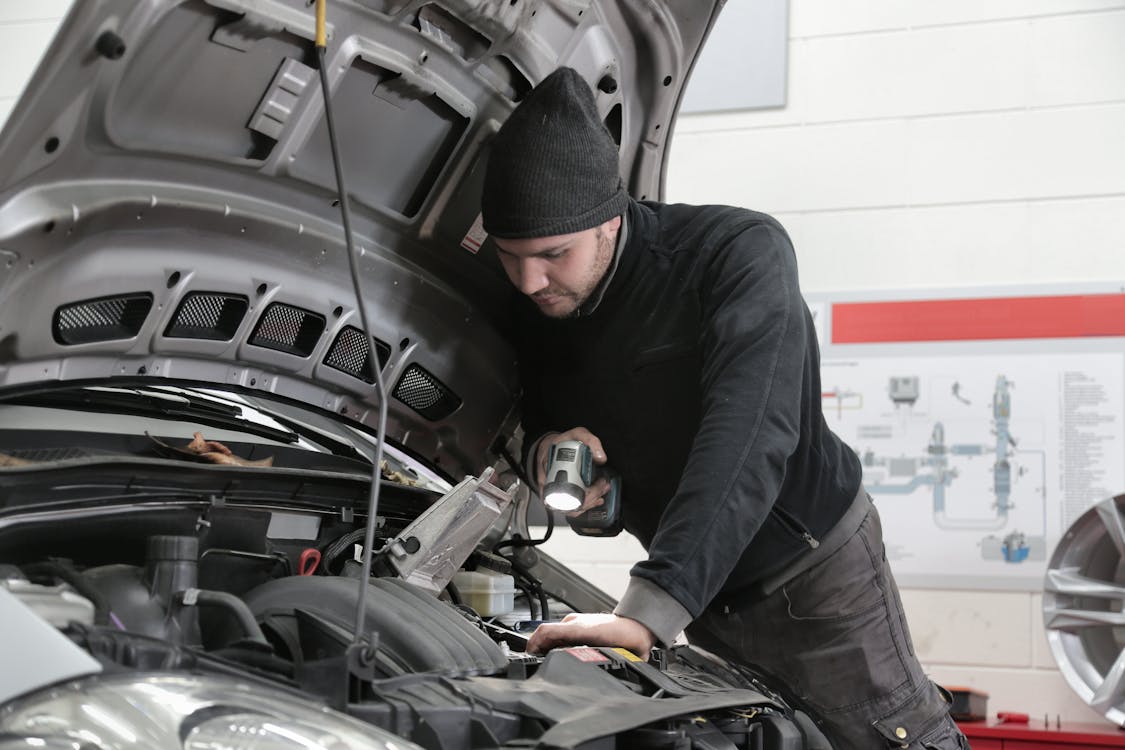
- Test fit first: Insert the clip into the mounting hole without the headliner to ensure proper fit
- Check clearance: Verify the clip head sits flush against the headliner material
- Remove any debris: Clean out broken clip pieces from the mounting holes
- Align the headliner: Position the headliner material over the mounting points
- Push firmly: Insert clips with steady pressure until you hear/feel them click
- Check retention: Gently pull to ensure the clip is secure
⚠️ Installation Tip
If clips are too tight and won't insert easily, lightly sand the insertion shaft with 220-grit sandpaper. If they're too loose, print another set with 0.1mm tighter tolerances. Small adjustments make a big difference.
Cost Comparison: 3D Printed vs OEM vs Aftermarket

One of the biggest advantages of 3D printing headliner clips is the massive cost savings:
| Part | OEM Price | Aftermarket | 3D Printed | Savings |
|---|---|---|---|---|
| BMW E60 Headliner Clip (each) | $8-12 | $3-5 | $0.05 | 99% |
| VW Sun Visor Clip Set | $25-35 | $10-15 | $0.10 | 99% |
| Nissan Headliner Cap | $15-20 | N/A | $0.08 | 99% |
| Mercedes Push-Pin Set (10) | $40-60 | $15-25 | $0.50 | 98% |
| Generic Ceiling Retainer Kit (20) | N/A | $8-15 | $0.40 | 97% |
Costs assume ASA filament at ~$25/kg, with clips weighing approximately 1-2 grams each.
Troubleshooting Common Problems
Even with perfect settings, you may encounter issues. Here's how to solve the most common problems:
| Problem | Cause | Solution |
|---|---|---|
| Clip breaks during installation | Wrong print orientation or material | Reprint with barbs perpendicular to layers; switch to ASA or Nylon |
| Clip won't stay in hole | Shaft diameter too small | Increase shaft diameter by 0.2mm; increase barb angle |
| Clip won't insert | Shaft diameter too large | Reduce shaft diameter; add chamfer to entry; lightly sand |
| Barbs snap off | Barbs too thin or wrong layer direction | Thicken barbs to 1.2mm minimum; adjust print orientation |
| Clip warps during printing | Insufficient bed adhesion or enclosure | Use enclosure; increase bed temp; add brim |
| Clip deforms in hot car | Using PLA or low-temp material | Switch to ASA, ABS, or Nylon immediately |
Real-World Case Study: VW Caddy Headliner Restoration
A community member recently shared their experience restoring a VW Caddy's headliner using 3D printed clips:
Project Summary: VW Caddy/T4 Headliner Clip Replacement
- Vehicle: 2004 VW Caddy (T4 platform)
- Problem: 8 of 12 original headliner clips broken during audio system installation
- Material Used: ASA (Prusament Galaxy Black)
- Print Time: 45 minutes for batch of 12 clips
- Material Cost: ~$0.60 total
- OEM Replacement Cost: $85+ (if still available)
- Savings: 99%
"The 3D printed clips actually work better than the originals. They're more flexible during installation but still hold firm. I made extras and keep them in my glovebox."
Safety Guidelines
While headliner clips are low-risk parts, keep these safety considerations in mind:
✅ Safe to 3D Print
- Headliner ceiling clips
- Sun visor mounting clips
- Dome light bezels
- A/B/C pillar trim clips
- Interior mirror mount covers
🚫 Never 3D Print
- Airbag-related mounting hardware
- Seatbelt anchor components
- Any clip supporting safety equipment
- Structural roof components
Join the Community
The best part about 3D printing car parts is the community. When you create a design that works, you can share it to help others with the same vehicle.
Get Started Today
Join our community of automotive makers who share designs, help troubleshoot problems, and collaborate on new projects.
Frequently Asked Questions
Can I use PLA for headliner clips?
No. PLA's low heat deflection temperature (52-60°C) means it will deform in a hot car. Always use ASA, ABS, or Nylon for any interior automotive parts.
How long do 3D printed headliner clips last?
When printed in ASA or ABS with proper settings, 3D printed clips can last as long as OEM parts—typically 10+ years. Many users report their printed clips outlasting the originals.
What color should I print headliner clips?
Match your interior. Most headliners are gray or black, so those colors work well. ASA is available in a wide range of colors. If exact color matching is important, gray or beige ASA can be painted after printing.
Do I need an enclosed printer for ASA?
Highly recommended but not strictly required for small parts like clips. An enclosure prevents warping and improves layer adhesion. You can use a DIY enclosure (cardboard box, plastic tote) for budget setups.
Can I print clips for any car?
Yes, as long as you have the correct dimensions. You can either find pre-made STL files for your specific vehicle or design your own clips by measuring the originals. Generic push-pin designs work across many makes.
What if my clips keep breaking during installation?
This usually indicates wrong print orientation. Print with barbs perpendicular to layer lines. Also ensure you're using 100% infill and at least 4 wall perimeters. If problems persist, switch to Nylon for maximum flexibility.
Conclusion
3D printed car headliner clips represent one of the easiest entry points into automotive 3D printing. These simple parts deliver massive value: saving 95-99% compared to OEM prices while producing clips that often outperform the originals. With ASA filament, basic print settings, and freely available STL files, you can fix that sagging headliner this weekend.
Start by searching community libraries for your specific vehicle. If you can't find what you need, designing a basic push-pin clip takes less than an hour in TinkerCAD or Fusion 360. And when you create a design that works, share it with the community—someone else is searching for the same clip right now.
Ready to Fix Your Headliner?
Join thousands of makers who've already saved money and time with 3D printed automotive parts.
Reference shelf
Materials and equipment referenced here
Optional product references matched to the material or printer discussion above. Use the specifications—not the brand name—to decide what fits your setup.
| Referenced item | What to verify | Price & availability |
|---|---|---|
| PETG filamentAmazon · Affiliate link | Amazon product page for 1.75 mm PETG; confirm colour, spool size, print temperature, seller, and delivery region. | Check price at Amazon |
| ASA filamentAmazon · Affiliate link | Amazon product page for 1.75 mm ASA; use an enclosure and suitable ventilation, and confirm seller and regional availability. | Check price at Amazon |
| ABS filamentAmazon · Affiliate link | Amazon product page for 1.75 mm ABS; use an enclosure and suitable ventilation, and verify temperature requirements and seller. | Check price at Amazon |
Affiliate disclosure: if you buy through an eligible link, 3DPrintedCarPart may earn a commission at no extra cost to you. As an Amazon Associate I earn from qualifying purchases. Confirm product specifications, compatibility, seller terms, and vehicle safety before ordering or using anything. Amazon may redirect you to a nearby supported store; otherwise the original Amazon.com page remains available.


