

Polycarbonate filament delivers the highest heat resistance and impact strength of any commonly available FDM material—making it the go-to choice for demanding automotive applications where parts face extreme temperatures, vibration, and mechanical stress.
In this comprehensive guide, you'll learn exactly when and how to use PC filament for car parts, including print settings, printer requirements, and real-world applications from engine bay components to structural brackets.
What Is Polycarbonate Filament?
Polycarbonate (PC) is an engineering-grade thermoplastic known for its exceptional combination of properties: high heat resistance (147°C glass transition temperature), outstanding impact strength (often described as "bulletproof glass" strength), and excellent dimensional stability under load.
Originally developed by General Electric and Bayer in the 1950s, polycarbonate is now used extensively in automotive, aerospace, and medical industries. Common brand names include Lexan® (SABIC) and Makrolon® (Covestro).
For 3D printing, PC filament brings industrial-grade performance to FDM printers—but requires proper equipment and technique to achieve optimal results.
Why PC for Car Parts?
Polycarbonate handles the harsh automotive environment better than almost any other printable material: dashboard temperatures exceeding 80°C, engine bay heat near 120°C, constant vibration, and UV exposure. It's the closest you can get to OEM-quality plastic parts with a desktop 3D printer.
Polycarbonate Properties for Automotive Use
Understanding PC's material properties helps you determine when it's the right choice—and when other materials might work better.
| Property | Polycarbonate Value | Automotive Relevance |
|---|---|---|
| Glass Transition (Tg) | 147°C (297°F) | Survives engine bay temps |
| Heat Deflection Temp (HDT) | 130-140°C (at 0.45 MPa) | Maintains shape under load + heat |
| Impact Strength (Izod) | 600-850 J/m | Handles vibration and impacts |
| Tensile Strength | 55-75 MPa | Strong structural parts |
| UV Resistance | Moderate (needs stabilizers) | Good for covered exterior parts |
| Chemical Resistance | Good (avoid strong bases) | Resists oils, coolants |
The key advantage of PC over other automotive filaments is the combination of high heat resistance AND high impact strength. Most materials excel at one or the other—PC delivers both.
Polycarbonate vs Other Automotive Filaments
How does PC stack up against other popular automotive materials? Here's a direct comparison:
| Material | HDT (°C) | Impact | Print Difficulty | Best Use Case |
|---|---|---|---|---|
| PC (Polycarbonate) | 130-140 | Excellent | Hard | Engine bay, structural |
| ASA | 95-100 | Good | Medium | Exterior, dashboard |
| ABS | 88-100 | Good | Medium | Interior, sheltered exterior |
| PA-CF (Nylon CF) | 150-180 | Good | Hard | High-stress brackets |
| PETG | 65-75 | Medium | Easy | Interior only, shaded |
| PEEK | 250+ | Excellent | Expert | Extreme heat (exhaust-adjacent) |
When to Choose PC Over Other Materials
- Use PC instead of ASA when heat exposure exceeds 100°C (engine bay, near exhaust)
- Use PC instead of PA-CF when you need better impact resistance and layer adhesion
- Use PC instead of ABS for under-hood applications or high-stress structural parts
- Use ASA instead of PC for dashboard parts where heat is moderate and printing ease matters
Best Automotive Applications for Polycarbonate
Polycarbonate excels in applications where other materials would fail. Here are the top uses:
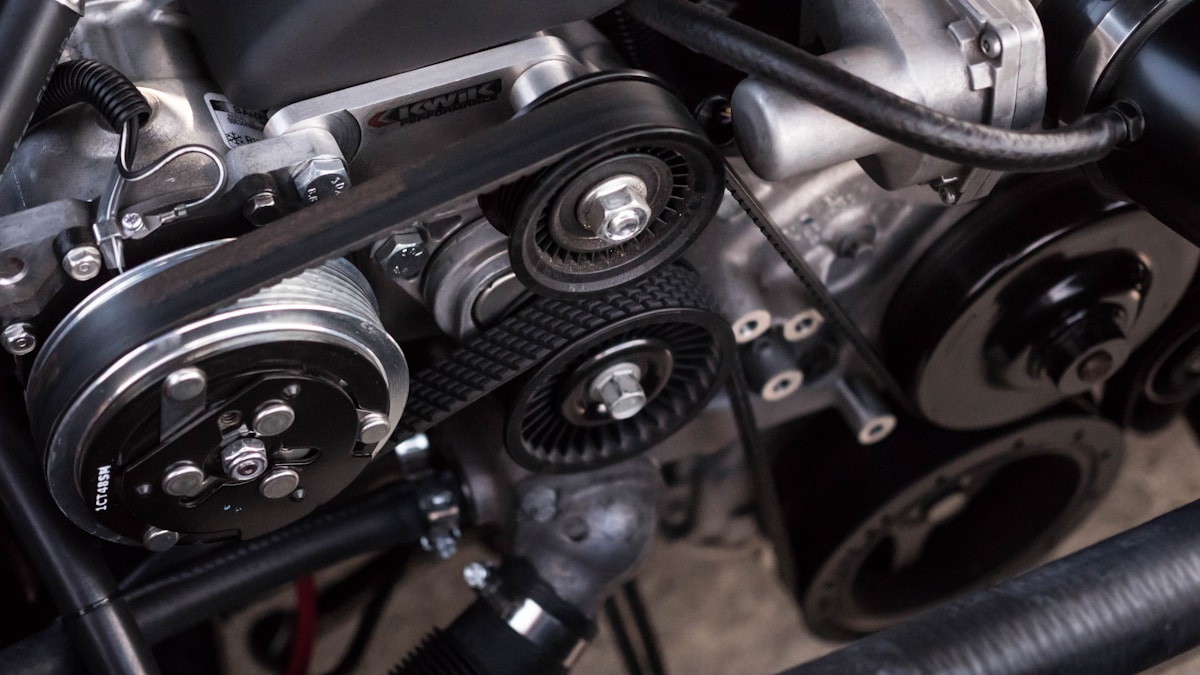
Engine Bay Parts (120°C+ environments)
- Fuse box covers and relay mounts
- Coolant reservoir brackets
- Intake manifold spacers (non-pressurized)
- Wiring harness clips and guides
- Sensor housings (non-critical sensors)
- ECU bracket mounts
- Throttle body spacers
Structural & Load-Bearing Parts
- Interior mounting brackets
- Speaker adapter rings
- Gauge pod brackets
- Heavy-duty phone mounts
- Seat adjustment handles
- Door handle reinforcements
Exterior Applications
- License plate frames (with UV coating)
- Mirror housing components
- Grille insert mounting brackets
- Under-bumper aero elements
⚠️ What NOT to Print with PC
Even polycarbonate has limits. Never 3D print these safety-critical components:
- Brake system components
- Steering linkages or mounts
- Suspension parts
- Wheel spacers (for driving—mockup only!)
- Airbag-related components
- Seatbelt anchors or hardware
- Fuel system components
Print Settings for Polycarbonate
PC is one of the more challenging materials to print. These settings will help you achieve strong, warp-free parts:
| Parameter | Recommended Value | Notes |
|---|---|---|
| Nozzle Temperature | 260-310°C | Start at 280°C, adjust for flow |
| Bed Temperature | 100-120°C | Critical for adhesion |
| Chamber Temperature | 50-80°C | Enclosed printer required |
| Print Speed | 30-50 mm/s | Slower = stronger layer bonds |
| Layer Height | 0.2-0.3mm | Thicker layers = better adhesion |
| Infill | 30-50% | Use grid or gyroid pattern |
| Wall Count | 4-6 walls | Walls = strength |
| Cooling Fan | 0-30% | Minimal cooling for best bonds |
| Retraction | 3-6mm at 30mm/s | Tune to prevent stringing |
🔑 The #1 Secret to Printing PC Successfully
Dry your filament. Polycarbonate is extremely hygroscopic—it absorbs moisture from the air within hours. Wet PC causes layer delamination, bubbling, and weak parts. Dry at 80°C for 4-6 hours before printing, and print from a dry box or dehydrator if possible.
Printer Requirements for Polycarbonate
Not every 3D printer can handle PC. Here's what you need:
Minimum Requirements
- All-metal hotend — PTFE-lined hotends max out at ~250°C; PC needs 280°C+
- Enclosed build chamber — Critical for preventing warping and ensuring layer adhesion
- Heated bed (100°C+) — Most heated beds can reach this, but check specs
- Hardened nozzle — Recommended for PC blends with carbon fiber or glass
Recommended Printers for PC
| Printer | Price Range | PC Capability | Notes |
|---|---|---|---|
| Bambu Lab P1S | $699 | Excellent | Best value for PC printing |
| Bambu Lab X1C | $1,199 | Excellent | Premium features + chamber heater |
| Qidi X-Max 3 | $799 | Very Good | Large build volume |
| Creality K1C | $499 | Good | Budget option (needs enclosure) |
| Prusa MK4 + Enclosure | $1,000+ | Good | Requires aftermarket enclosure |
For a complete printer buying guide, see our article on the best 3D printers for car parts.
Best Polycarbonate Filament Brands
Not all PC filament is equal. Here are the top brands recommended by the automotive 3D printing community:
| Brand | Product | Price/kg | Notes |
|---|---|---|---|
| Polymaker | PolyMax PC | $45-55 | Excellent printability, nano-reinforced |
| 3DXTech | PC Blend | $50-60 | USA-made, Lexan-based |
| Prusament | PC Blend | $35-45 | Excellent quality control |
| Vision Miner | 3DXMAX PC | $75-90 | Premium, industrial-grade |
| eSUN | ePC | $30-40 | Budget option, good for practice |
| Bambu Lab | PC | $40-50 | Optimized for Bambu printers |
PC Blend vs Pure PC
Most consumer PC filaments are actually PC blends—polycarbonate mixed with other polymers (often ABS) to improve printability. These blends sacrifice some heat resistance (typically 110-130°C HDT vs pure PC's 140°C+) but are much easier to print. For most automotive applications, PC blends work perfectly well.
If you need maximum heat resistance, look for "pure PC" or "industrial PC" products—but expect more challenging prints.
Step-by-Step: Printing Your First PC Part
Here's the complete workflow for printing polycarbonate car parts:
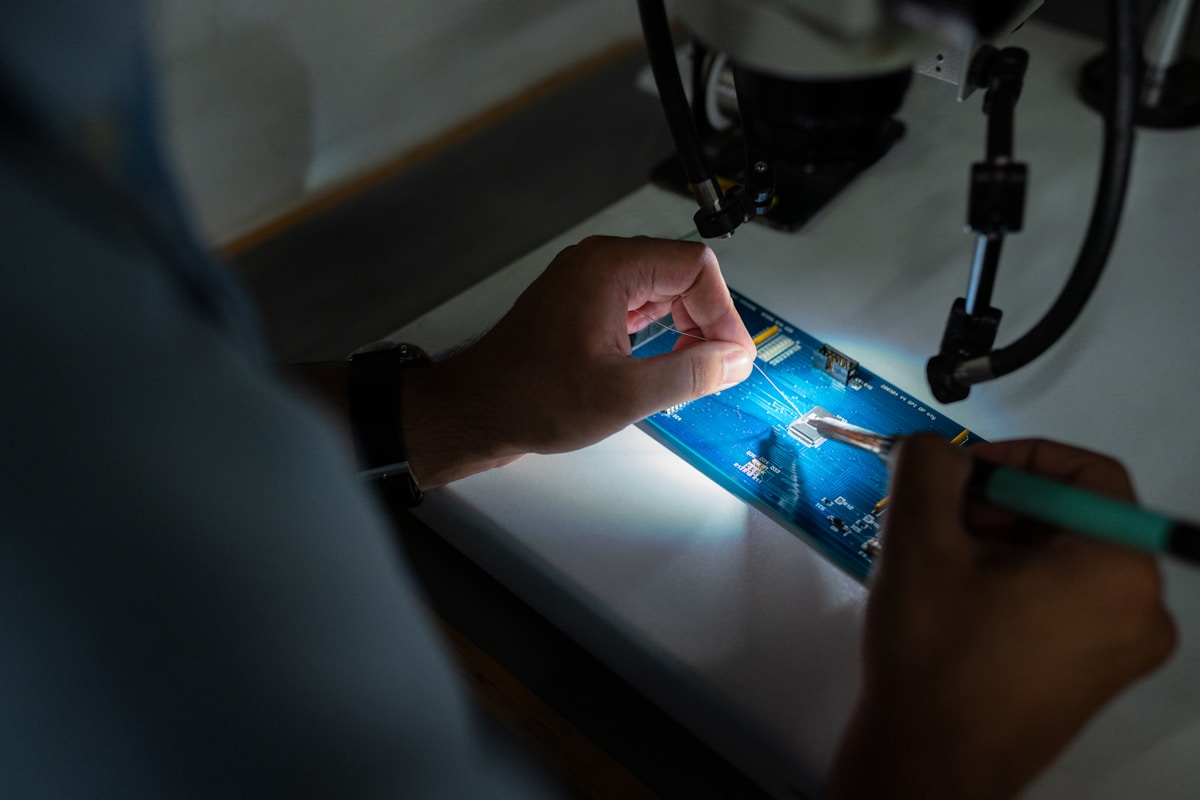
Phase 1: Preparation
- Dry your filament — 80°C for 4-6 hours minimum (or overnight for best results)
- Clean the build plate — Wipe with isopropyl alcohol (90%+)
- Apply adhesion solution — Magigoo PC, Vision Miner Nano Polymer, or glue stick
- Pre-heat the chamber — Run the bed at 100°C with the enclosure closed for 15-20 minutes
Phase 2: Slicing
- Import STL and orient for strength (load direction parallel to layers)
- Apply PC profile settings (see table above)
- Add a brim (8-10mm) for bed adhesion
- Check for thin walls that may warp
- Slice and save G-code
Phase 3: Printing
- Start print and monitor first layer adhesion
- Keep enclosure doors closed throughout the print
- Don't open the enclosure until the bed cools below 50°C
- Watch for warping on corners—if it happens, increase bed temp or add supports
Phase 4: Post-Processing
- Allow part to cool slowly in the printer (rapid cooling can cause cracking)
- Remove brim with flush cutters or deburring tool
- Sand edges if needed (320-grit works well on PC)
- Optional: Apply UV-resistant clear coat for exterior parts
Real-World Case Study: NA Miata Throttle Body Spacer
One of our community members printed a custom throttle body spacer for their 1990 Mazda Miata using polycarbonate:
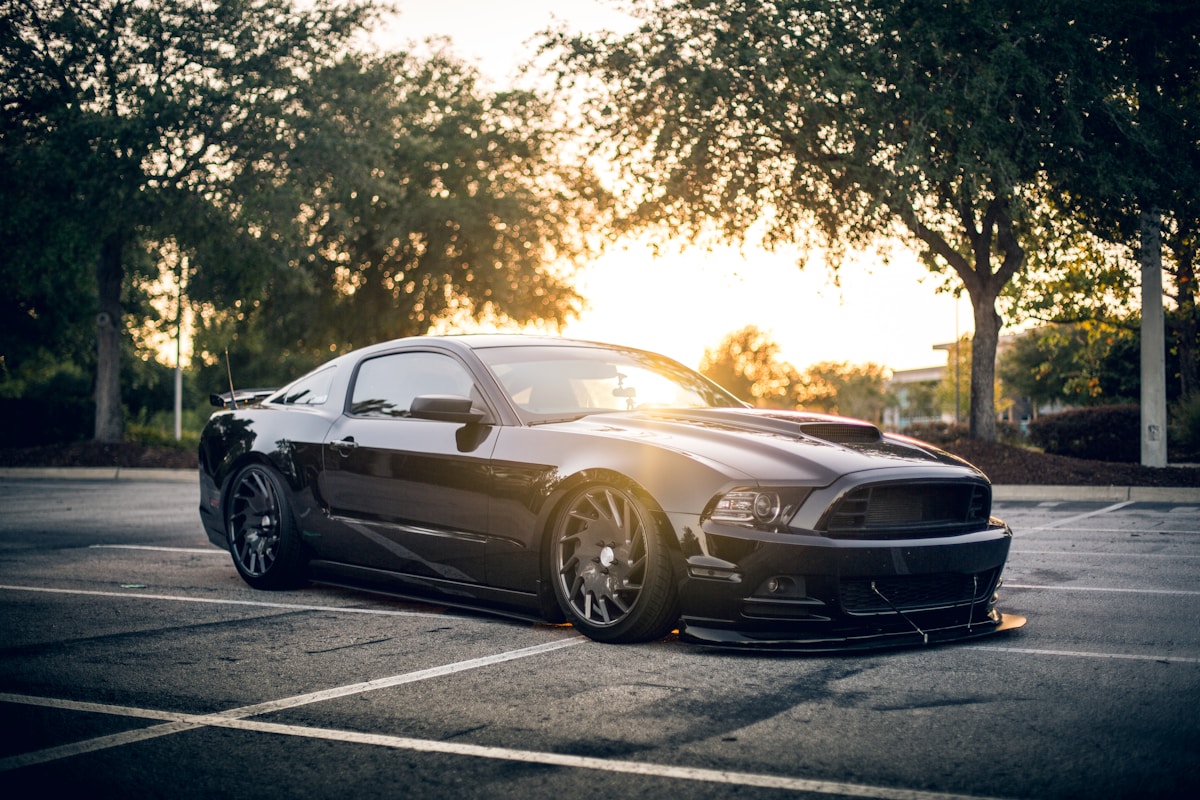
Project Details
- Part: 1" throttle body spacer
- Material: Polymaker PolyMax PC
- Print time: 6 hours
- Material cost: ~$4
- Result: Functioning perfectly after 2+ years of daily driving in Texas heat
"I was skeptical about using a 3D printed part in the engine bay, but after 25,000 miles including multiple track days, the spacer shows zero signs of wear or deformation. PC is legit."
Common Problems & Troubleshooting
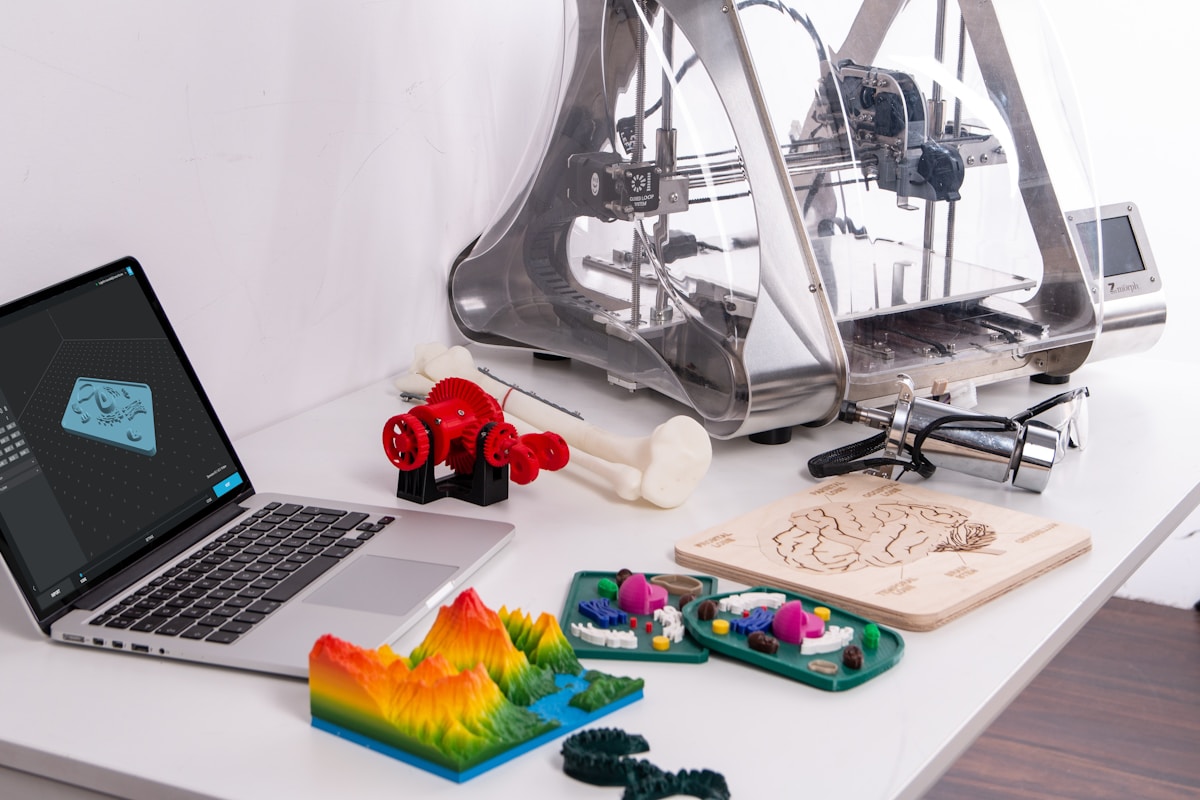
PC can be finicky. Here's how to solve the most common issues:
| Problem | Cause | Solution |
|---|---|---|
| Warping/lifting | Chamber too cold, bed too cool | Increase chamber temp, add wider brim, use adhesion aid |
| Layer delamination | Wet filament, nozzle too cold | Dry filament thoroughly, increase nozzle temp 10°C |
| Bubbling/popping | Moisture in filament | Dry at 80°C for 6+ hours, print from dry box |
| Poor surface finish | Speed too fast, temp too low | Slow down to 40mm/s, increase temp |
| Stringing | Retraction too slow, temp too high | Increase retraction speed, lower temp 5°C |
| Cracking after print | Internal stress from rapid cooling | Cool slowly in printer, consider annealing |
Advanced Techniques
Annealing for Maximum Strength
Post-print annealing can increase PC's heat resistance and relieve internal stresses:
- Place printed part on a flat surface in an oven (glass or metal sheet)
- Heat slowly to 120-130°C (2°C/minute)
- Hold at temperature for 1 hour per 10mm of thickness
- Cool slowly (2°C/minute) to room temperature
Warning: Expect 1-3% dimensional shrinkage—scale your model accordingly if precision matters.
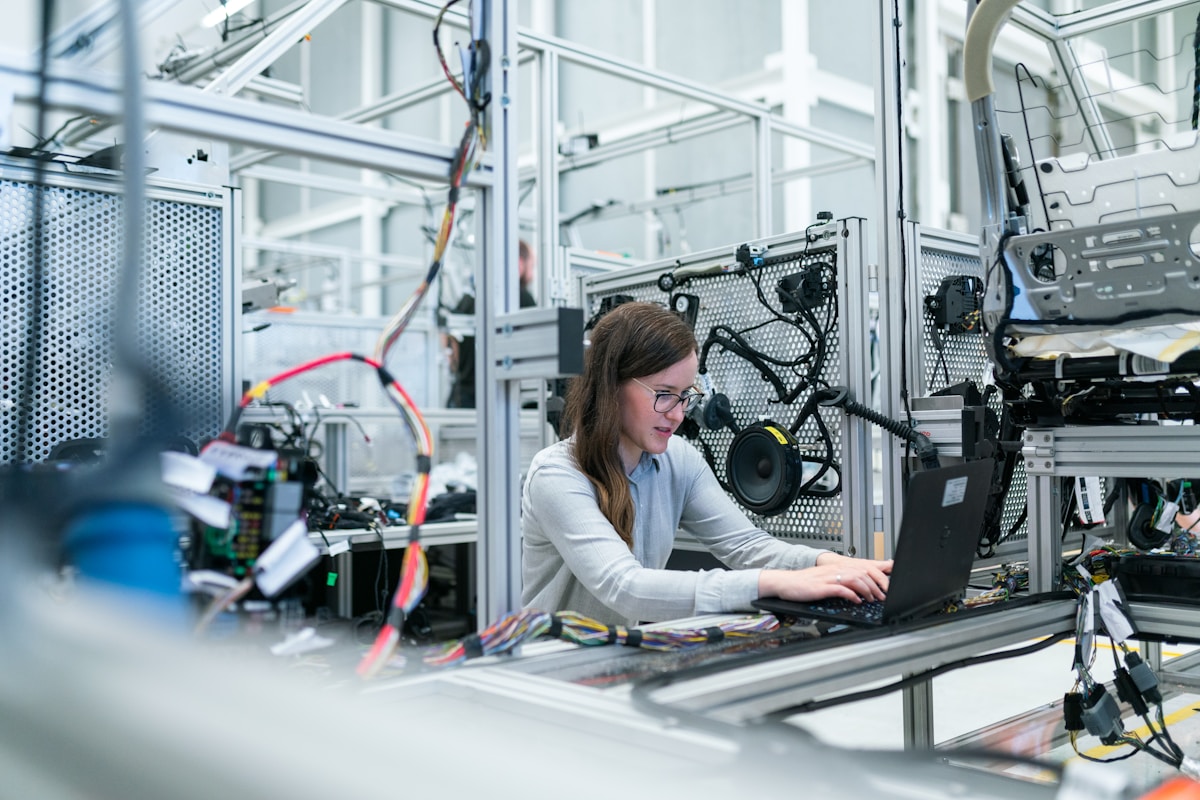
PC Blends for Specific Applications
- PC-ABS: Easier to print, good balance of properties (Tg ~102°C)
- PC-CF: Carbon fiber reinforced for stiffness and reduced warping
- PC-FR: Flame retardant for electrical enclosures
Frequently Asked Questions
Is polycarbonate safe for engine bay use?
Yes, for non-critical components. PC can handle temperatures up to 130-140°C continuously, which covers most engine bay locations except areas directly adjacent to the exhaust manifold. Always avoid printing brake, steering, suspension, or fuel system components.
Can I print PC on an Ender 3?
Not without significant modifications. The Ender 3 lacks an all-metal hotend (stock PTFE tube degrades above 250°C) and enclosed chamber. You'd need at minimum an all-metal hotend upgrade and DIY enclosure—at which point you're approaching the cost of a PC-capable printer like the Creality K1C.
How long does it take to dry PC filament?
Minimum 4-6 hours at 80°C. For filament that's been exposed to humid air for extended periods, dry overnight (8-12 hours). Many makers print PC directly from a heated dry box to maintain dryness throughout the print.
Is PC stronger than ABS or ASA?
Yes, significantly. PC has roughly 2-3x the impact strength of ABS/ASA and 30-40% higher heat deflection temperature. However, it's also harder to print and more expensive. For parts that don't need PC's extreme performance, ASA or ABS may be more practical choices.
Can polycarbonate be glued or painted?
Yes to both. For gluing, use methylene chloride-based adhesives (designed for acrylic/PC) or two-part epoxy. For painting, scuff with 320-grit sandpaper, apply adhesion promoter, then use spray paint or automotive-grade coatings. PC bonds well with proper surface prep.
What's the difference between PC and PA-CF (nylon carbon fiber)?
PC offers better impact resistance and easier layer adhesion, while PA-CF provides higher stiffness and slightly better heat resistance (150-180°C). PA-CF is also more prone to moisture absorption and requires even more rigorous drying. Choose PC for impact-critical parts, PA-CF for structural rigidity.
Getting Started with PC
Ready to start printing polycarbonate car parts? Here's your action plan:
- Verify your printer is PC-capable — all-metal hotend, enclosed chamber, 100°C+ bed
- Order quality PC filament — Polymaker PolyMax PC or Prusament PC Blend are great starting points
- Get proper drying equipment — A filament dryer (Sunlu, EIBOS, etc.) or food dehydrator that reaches 80°C
- Start with a simple part — Practice with a non-critical component before printing anything important
- Join our community — Share your projects and get advice from experienced makers
Share Your PC Car Parts
Have a successful polycarbonate project? Share it with the community and help other makers learn from your experience.
Upload Your Part DesignConclusion
Polycarbonate filament is the premium choice for automotive 3D printing applications that demand maximum heat resistance and impact strength. While it requires proper equipment and technique to print successfully, the results are worth it—PC parts can handle engine bay temperatures, constant vibration, and years of use without degradation.
For most car enthusiasts, starting with ASA for dashboard and interior parts makes sense. But when you need parts that can survive under the hood or handle structural loads, polycarbonate is the material to reach for.
Check out our community parts library to find PC-ready designs for your vehicle, or visit our forum to connect with other automotive makers who've mastered polycarbonate printing.
Ready to Start Printing?
Join thousands of automotive enthusiasts who are 3D printing their own car parts.
Create Free Account Browse PartsReference shelf
Materials and equipment referenced here
Optional product references matched to the material or printer discussion above. Use the specifications—not the brand name—to decide what fits your setup.
| Referenced item | What to verify | Price & availability |
|---|---|---|
| PETG filamentAmazon · Affiliate link | Amazon product page for 1.75 mm PETG; confirm colour, spool size, print temperature, seller, and delivery region. | Check price at Amazon |
| ASA filamentAmazon · Affiliate link | Amazon product page for 1.75 mm ASA; use an enclosure and suitable ventilation, and confirm seller and regional availability. | Check price at Amazon |
| ABS filamentAmazon · Affiliate link | Amazon product page for 1.75 mm ABS; use an enclosure and suitable ventilation, and verify temperature requirements and seller. | Check price at Amazon |
Affiliate disclosure: if you buy through an eligible link, 3DPrintedCarPart may earn a commission at no extra cost to you. As an Amazon Associate I earn from qualifying purchases. Confirm product specifications, compatibility, seller terms, and vehicle safety before ordering or using anything. Amazon may redirect you to a nearby supported store; otherwise the original Amazon.com page remains available.


