
![TPU for Car Parts: Complete Guide to Flexible 3D Printing [2026]](/_next/image?url=https%3A%2F%2Fimages.pexels.com%2Fphotos%2F3912981%2Fpexels-photo-3912981.jpeg%3Fauto%3Dcompress%26cs%3Dtinysrgb%26w%3D1260%26h%3D750%26dpr%3D2&w=3840&q=75)
When rigid filaments just won't cut it, TPU (Thermoplastic Polyurethane) steps in as the flexible hero of automotive 3D printing. From vibration-dampening bushings to weather-resistant gaskets, TPU opens up a world of car parts that PLA, PETG, and even ASA simply can't tackle. This guide covers everything you need to know about using TPU for car parts—material selection, Shore hardness ratings, printable applications, and the settings that actually work.

What Is TPU and Why Use It for Car Parts?
TPU is a thermoplastic elastomer that bridges the gap between rubber and rigid plastic. Unlike traditional rubber that can't be 3D printed with standard FDM printers, TPU feeds through your hotend like any other filament—but the resulting parts bend, stretch, and compress like flexible rubber.
For automotive applications, TPU offers properties that no rigid filament can match:
- Flexibility: Elongation at break ranges from 300% to 600%—far exceeding any rigid material
- Impact resistance: Absorbs shocks and vibrations instead of cracking
- Chemical resistance: Excellent resistance to oils, greases, and automotive fluids
- Abrasion resistance: Tear resistance of 80-200 kN/m makes it suitable for high-wear applications
- Temperature tolerance: Most automotive TPUs handle -40°C to 80°C continuously
💡 When to Choose TPU Over Rigid Materials
TPU excels where parts need to: absorb vibration, create seals, grip surfaces, flex repeatedly without fatigue, or dampen noise. If your part needs to be stiff and heat-resistant, stick with ASA or Nylon.
Understanding TPU Shore Hardness: 85A vs 95A
Not all TPU is created equal. The Shore hardness scale measures how soft or firm a flexible material feels—and for automotive applications, this number matters enormously.

| Shore Hardness | Feel Comparison | Best Automotive Uses | Print Difficulty |
|---|---|---|---|
| 70A | Soft rubber band | Soft seals, gaskets, protective bumpers | Very difficult |
| 85A | Running shoe sole | Vibration dampeners, soft grips, RC tires | Challenging |
| 95A | Hard rubber (shopping cart wheel) | Bushings, stiff grips, cable guides, mounts | Moderate |
| 98A+ | Almost rigid plastic | Wire looms, stiff brackets, semi-rigid covers | Easy (prints like PETG) |
⚠️ Shore Hardness Selection Rule
Softer TPU (85A) = Better vibration dampening but harder to print. Start with 95A if you're new to flexible filaments—it behaves almost like a rigid material while still offering significant flexibility.
Top 12 TPU Applications for Automotive
TPU shines in specific automotive applications where flexibility, grip, or vibration dampening is essential. Here are the most popular 3D printed TPU car parts in our community:
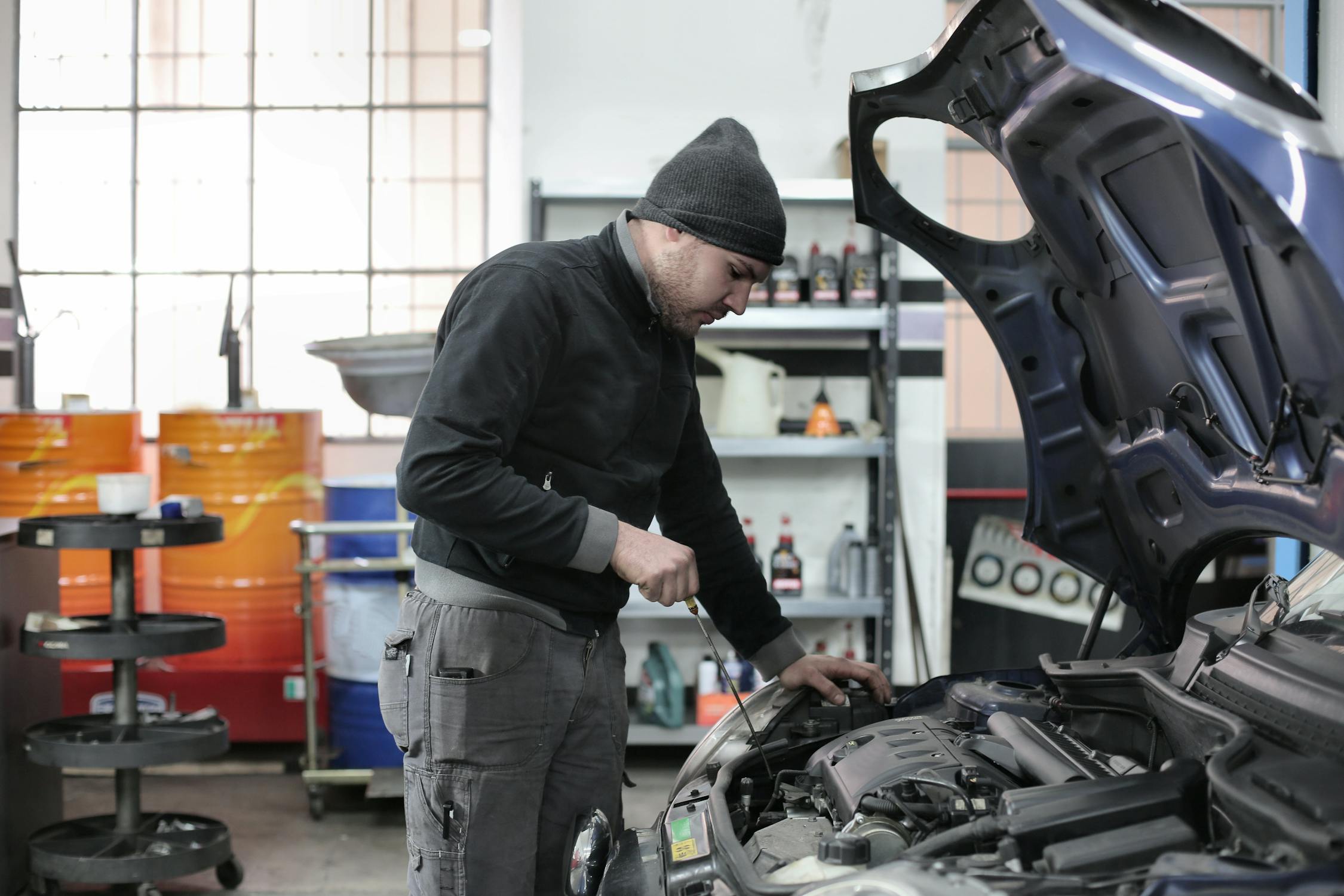
1. Vibration Dampeners & Motor Mounts
TPU absorbs vibrations that would crack rigid materials. Common applications include dashboard camera mounts, phone mount dampeners, and motor isolators for aftermarket audio equipment. The 85A-90A range works best for maximum vibration absorption.
2. Suspension Bushings (Limited Applications)
While you can 3D print urethane-style suspension bushings in TPU, these are best suited for low-load applications like sway bar end links, shifter bushings, or exhaust hangers. Critical suspension components should still use professionally manufactured parts.
3. Gaskets & Seals
TPU gaskets work well for non-critical sealing applications—think electrical box covers, cosmetic panel seals, or low-pressure fluid containment. For engine gaskets, fuel systems, or cooling systems, stick to proper gasket materials.
4. Protective Bumpers & Edge Guards
Door edge guards, trunk lip protectors, and bumper corner covers are ideal TPU applications. The material absorbs minor impacts and returns to shape without permanent deformation.
5. Cable Management & Wire Looms
TPU wire guides and cable clips flex around wiring harnesses while protecting against chafing. The 95A hardness provides enough structure to hold wires in place while remaining flexible enough for installation.
6. Grip Covers & Handle Wraps
Shift knob grip covers, steering wheel wraps, and tool handle covers benefit from TPU's tactile properties. The softer 85A range provides maximum grip, while 95A offers durability for high-wear areas.


7. Anti-Rattle Clips & Spacers
Rattling trim panels and loose interior components can be silenced with custom TPU spacers. These print quickly and can be designed to exact specifications for your vehicle.
8. Weather Seals & Dust Covers
Simple weather seals for aftermarket components, dust boots for shifters, and protective covers for electrical connections all work well in TPU. Choose 85A for maximum conformity or 95A for durability.
9. Exhaust Hangers
TPU exhaust hangers are a popular upgrade for enthusiasts who want slightly stiffer exhaust mounts. The material handles the heat at the hanger location (not directly on exhaust pipes) and reduces exhaust movement.
10. Phone Mount Grippers
The friction surfaces and gripping pads in custom phone mounts work perfectly in soft TPU. Many makers print the structural mount in ASA or PETG, then add TPU grip pads for the phone contact surfaces.
11. Pedal Pads & Foot Rests
Custom dead pedal covers and throttle/brake/clutch pad overlays can be printed in TPU for enhanced grip and comfort. Use 95A for durability under constant foot pressure.
12. RC Car & Scale Model Parts
For the RC car enthusiasts, TPU is essential for tires, bumpers, body mount spacers, and shock boots. The 85A range provides ideal flexibility for RC applications.
TPU vs Other Flexible Materials
TPU isn't the only flexible material available, but it's the most practical for most makers. Here's how it compares to alternatives:
| Material | Flexibility | Chemical Resistance | Max Temp | Print Difficulty | Price/kg |
|---|---|---|---|---|---|
| TPU 95A | High | Excellent (oils, greases) | 80°C | Moderate | $25-40 |
| TPU 85A | Very High | Excellent (oils, greases) | 80°C | Challenging | $35-50 |
| TPE (Generic) | Very High | Fair | 60°C | Difficult | $20-30 |
| Soft PLA | Low-Medium | Poor | 50°C | Easy | $25-35 |
| PEBA (Nylon-based) | High | Very Good | 100°C | Moderate | $50-70 |

✅ TPU Is Your Best Bet for Automotive Flexibility
For most makers, TPU 95A offers the best balance of flexibility, durability, printability, and chemical resistance. It's the "workhorse" of flexible automotive printing. Only move to 85A when you specifically need softer parts, and accept the printing challenges that come with it.
Best TPU Filament Brands for Automotive
Quality matters enormously with TPU. Cheap TPU often has inconsistent diameter, moisture issues, and unpredictable properties. Here are the brands our community recommends:
| Brand | Product | Shore Hardness | Automotive Suitability | Price Range |
|---|---|---|---|---|
| NinjaTek NinjaFlex | NinjaFlex | 85A | Excellent - premium quality | $45-55/kg |
| Polymaker | PolyFlex TPU95 | 95A | Excellent - easy printing | $30-40/kg |
| Overture | TPU Filament | 95A | Good - budget friendly | $25-30/kg |
| Priline | TPU Flexible | 95A | Good - value option | $22-28/kg |
| Bambu Lab | TPU 95A HF | 95A | Excellent - high flow | $35-45/kg |
TPU Print Settings for Automotive Parts
TPU requires different settings than rigid filaments. The flexible nature of the material means it can buckle in the extruder path, jam in tight tolerances, and ooze excessively if temperatures are wrong.

| Setting | TPU 95A | TPU 85A | Notes |
|---|---|---|---|
| Nozzle Temp | 220-235°C | 225-240°C | Start low, increase if underextruding |
| Bed Temp | 40-60°C | 50-70°C | Higher helps adhesion; some use none |
| Print Speed | 25-40 mm/s | 15-25 mm/s | Slower = better for soft TPU |
| Retraction | 0.5-2mm | 0-1mm | Minimal; can cause jams |
| Retraction Speed | 20-30 mm/s | 15-20 mm/s | Slower prevents filament buckling |
| Layer Height | 0.16-0.24mm | 0.16-0.24mm | Standard; thicker for faster prints |
| Infill | 15-40% | 15-40% | Lower infill = more flexible part |
| Cooling | 50-100% | 30-70% | Some cooling helps; too much causes curl |
⚠️ Critical TPU Printing Tips
- Direct drive is strongly preferred. Bowden setups struggle with TPU's flexibility—the filament compresses in the tube instead of feeding forward.
- Disable "coasting" and "wiping" in your slicer—these cause underextrusion with flexible materials.
- Keep TPU dry. Moisture causes bubbling, stringing, and weak layer adhesion. Use a filament dryer.
- Print hotter than you think. If you see underextrusion, bump temp by 5°C before slowing speed.
Printer Requirements for TPU
Not every 3D printer handles TPU well. The flexible nature of the filament requires specific extruder designs to prevent jamming and buckling.

| Printer Type | TPU 95A | TPU 85A | Notes |
|---|---|---|---|
| Direct Drive | ✅ Excellent | ✅ Good | Ideal for all TPU hardnesses |
| Bowden (short tube) | ✅ Good | ⚠️ Challenging | Works with slow speeds and careful tuning |
| Bowden (long tube) | ⚠️ Possible | ❌ Very difficult | Filament compresses, causing inconsistent extrusion |
| Dual-gear extruder | ✅ Excellent | ✅ Good | Better grip prevents slipping |
Recommended Printers for TPU
- Bambu Lab P1S / X1C: Direct drive, excellent TPU performance out of the box
- Prusa MK4: Nextruder handles TPU well with proper settings
- Creality K1C: Direct drive, good for 95A TPU
- Voron: Various extruder options; Clockwork 2 handles TPU excellently
- Ender 3 (with direct drive mod): Budget option if you upgrade the extruder
What NOT to Print with TPU (Safety)
TPU is incredibly useful, but it has clear limitations for automotive applications. These are parts you should never attempt with 3D printed TPU:
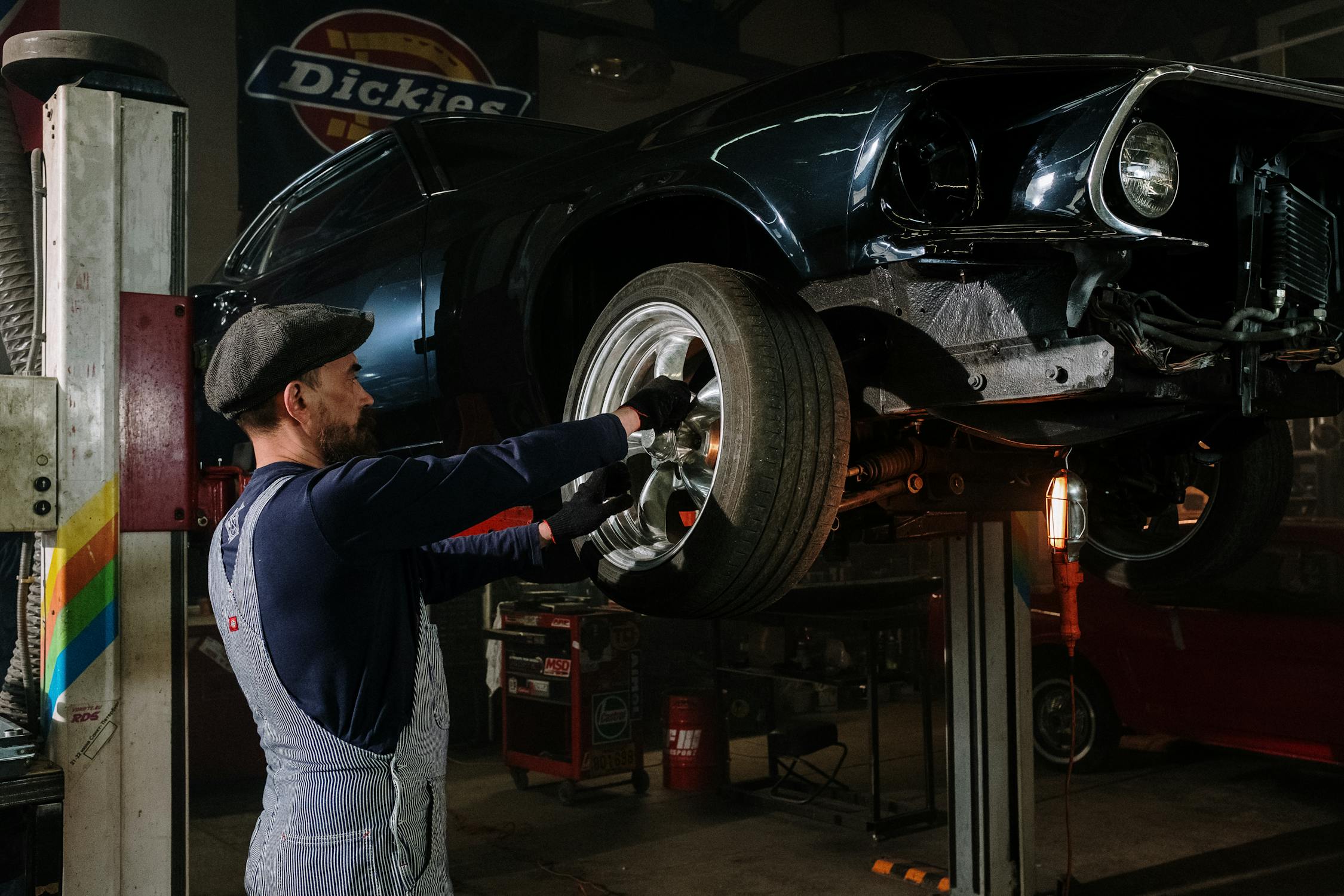
🚫 NEVER Print These in TPU
- Load-bearing suspension components: Control arm bushings, strut mounts, ball joint boots that bear load
- Brake system components: Any part in the braking system—period
- Fuel system seals: TPU's fuel resistance varies; professional fuel-rated materials are required
- Engine gaskets: Head gaskets, intake manifold gaskets, exhaust gaskets—these require specific materials
- High-pressure cooling system seals: Radiator hoses, water pump seals, thermostat housings
- Safety restraint components: Seatbelt guides, airbag covers, or anything related to occupant protection
✅ Safe TPU Applications
- Interior comfort items (grips, pads, dampeners)
- Non-critical cosmetic seals (trim, panel covers)
- Low-load vibration isolation (dashcam mounts, speaker dampeners)
- Cable management and wire protection
- Protective edge guards and bumper corners
- RC car and scale model components
Step-by-Step: Printing Your First TPU Car Part
Ready to try TPU? Here's the workflow that works for our community members:

Phase 1: Design & Preparation
- Design your part in CAD (Fusion 360, TinkerCAD, or download from Printables)
- Consider wall thickness—thicker walls = stiffer parts, thinner = more flexible
- Add generous tolerances (0.3-0.5mm) for fitting parts
- Export STL file for slicing
Phase 2: Slicing Configuration
- Select TPU profile in your slicer (or create from scratch using settings above)
- Set print speed to 25-30 mm/s for first attempt
- Reduce retraction to 1mm or less
- Enable minimal supports (TPU is hard to remove from supports)
- Choose infill based on desired flexibility (lower = more flexible)
Phase 3: Printing
- Dry your TPU filament (4-6 hours at 50°C recommended)
- Clean your print bed—TPU sticks well to clean surfaces
- Load filament slowly, watching for jams in the extruder
- Monitor first layer carefully—adjust Z offset if needed
- Avoid touching the print during printing (TPU moves easily)
Phase 4: Post-Processing
- Let part cool completely before removing from bed
- Remove supports carefully—TPU tends to stretch rather than snap
- Trim stringing with sharp scissors or a heat gun (briefly)
- Test fit and iterate if needed
Cost Comparison: TPU vs Buying Rubber Parts
Is printing TPU car parts actually cost-effective? Here's how common applications compare:
| Part | OEM/Commercial Price | TPU Material Cost | Savings |
|---|---|---|---|
| Dashcam vibration mount | $15-25 | $0.50-1.00 | 95-97% |
| Shift boot retainer | $20-40 | $1-2 | 95% |
| Phone mount grip pads (set) | $8-15 | $0.25-0.50 | 96% |
| Exhaust hanger (aftermarket) | $15-30 | $2-4 | 85-90% |
| Wire loom clips (10 pack) | $8-15 | $0.30-0.60 | 96% |

Join the 3D Printed Car Part Community
Ready to start printing TPU car parts? Join our community to share designs, get help with settings, and connect with other automotive makers.
Frequently Asked Questions
Can I print car gaskets with TPU?
For non-critical applications like electrical box covers or cosmetic panel seals, yes. For engine gaskets, fuel systems, or cooling systems, no—use proper gasket materials rated for those applications.
What Shore hardness should I use for vibration dampening?
For maximum vibration absorption, use 85A TPU. If printability is a concern, 95A still provides significant dampening while being much easier to print reliably.
Does TPU work in hot cars?
Standard TPU handles temperatures up to 80°C continuously, which covers most interior applications. Dashboard areas in direct sun can exceed this—use common sense about placement.
Can I print TPU on a Bowden printer?
95A TPU can work on Bowden setups with slow speeds (15-20 mm/s) and minimal retraction. Softer TPU (85A) is very challenging on Bowden systems—direct drive is strongly recommended.
Is TPU safe for parts that touch fuel or oil?
TPU has good resistance to oils and greases, but varies for fuel exposure. For fuel system applications, use professionally manufactured fuel-rated materials—not 3D printed TPU.
Why is my TPU stringing so badly?
TPU strings more than rigid filaments—this is normal. Reduce stringing by: lowering nozzle temperature 5-10°C, minimizing retraction distance, drying your filament, and using "combing" mode in your slicer.

Conclusion: TPU Fills the Flexibility Gap
TPU opens up a category of car parts that rigid filaments simply can't address. From vibration dampeners to protective bumpers, from grip covers to cable management, flexible printing has a clear place in the automotive maker's toolkit.
Start with 95A TPU for easier printing, choose a direct drive printer if possible, and begin with low-risk applications like dashcam mounts or phone holder grip pads. As you gain experience, you can explore softer hardnesses and more demanding applications.
The key is understanding TPU's limitations as clearly as its strengths. It's not a replacement for professional rubber parts in safety-critical systems—but for comfort, customization, and vibration control, it's an incredibly useful addition to your automotive 3D printing materials.
Ready to Print Flexible Car Parts?
Join our community of automotive makers sharing TPU designs, print settings, and project inspiration. Get started with free STL files and expert advice.
Reference shelf
Materials and equipment referenced here
Optional product references matched to the material or printer discussion above. Use the specifications—not the brand name—to decide what fits your setup.
| Referenced item | What to verify | Price & availability |
|---|---|---|
| PETG filamentAmazon · Affiliate link | Amazon product page for 1.75 mm PETG; confirm colour, spool size, print temperature, seller, and delivery region. | Check price at Amazon |
| ASA filamentAmazon · Affiliate link | Amazon product page for 1.75 mm ASA; use an enclosure and suitable ventilation, and confirm seller and regional availability. | Check price at Amazon |
| Enclosed 3D printerAmazon · Affiliate link | Amazon product page for an enclosed, high-temperature-capable printer; compare build volume, supported materials, ventilation needs, and warranty. | Check price at Amazon |
Affiliate disclosure: if you buy through an eligible link, 3DPrintedCarPart may earn a commission at no extra cost to you. As an Amazon Associate I earn from qualifying purchases. Confirm product specifications, compatibility, seller terms, and vehicle safety before ordering or using anything. Amazon may redirect you to a nearby supported store; otherwise the original Amazon.com page remains available.


