Earn money selling original 3D car part models.
Start sellingEarn money selling original 3D car part models.
Start sellingEarn money selling original 3D car part models.
Start selling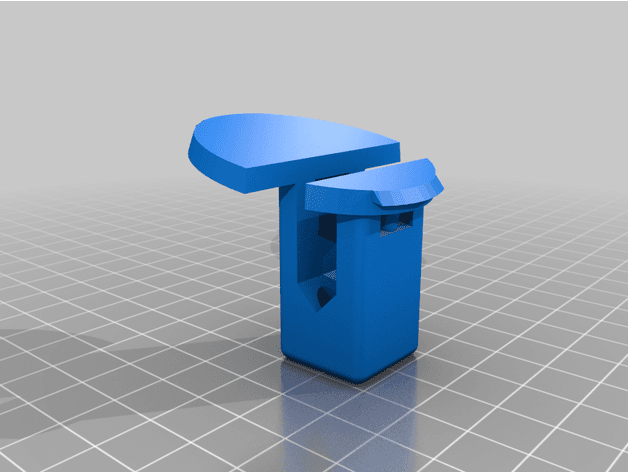
Files stay with the original publisher; this catalog entry does not grant hosting or resale rights. License status does not verify vehicle fitment, OEM rights, design patents, or safety.
Shared by
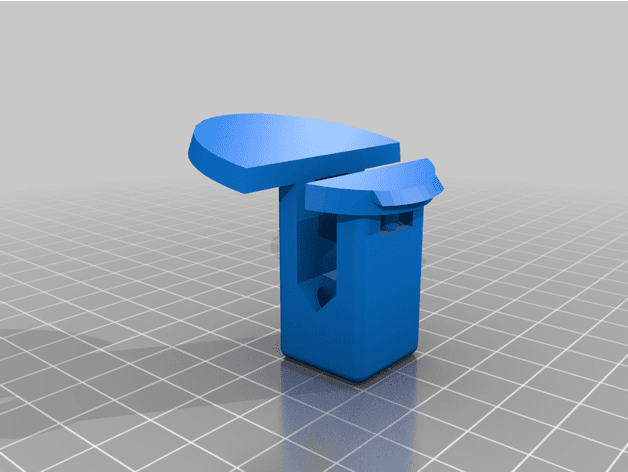
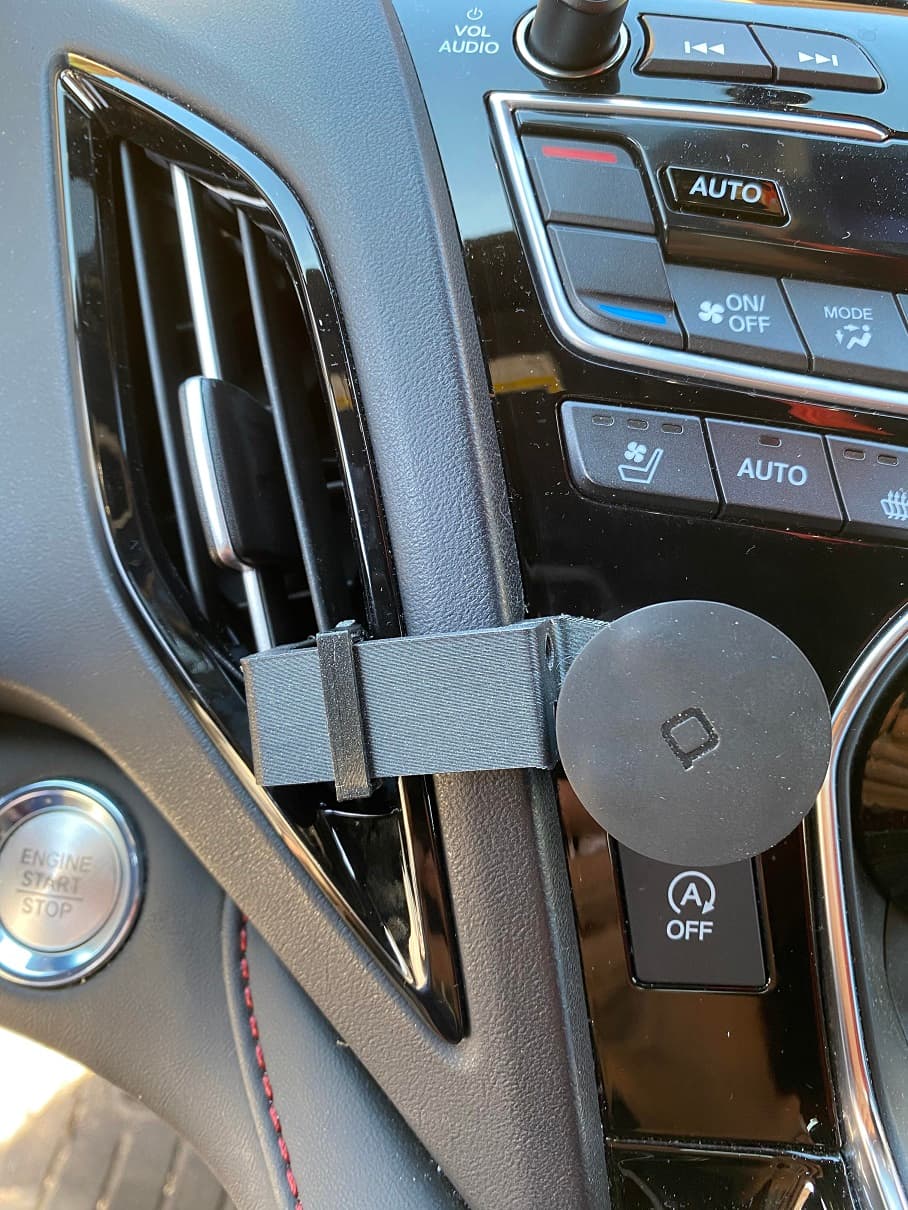
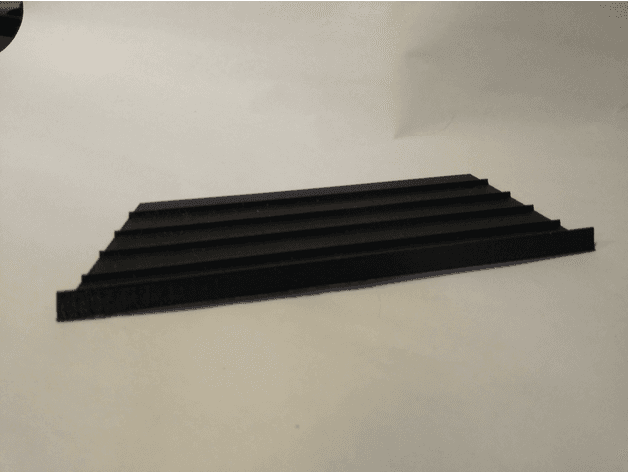
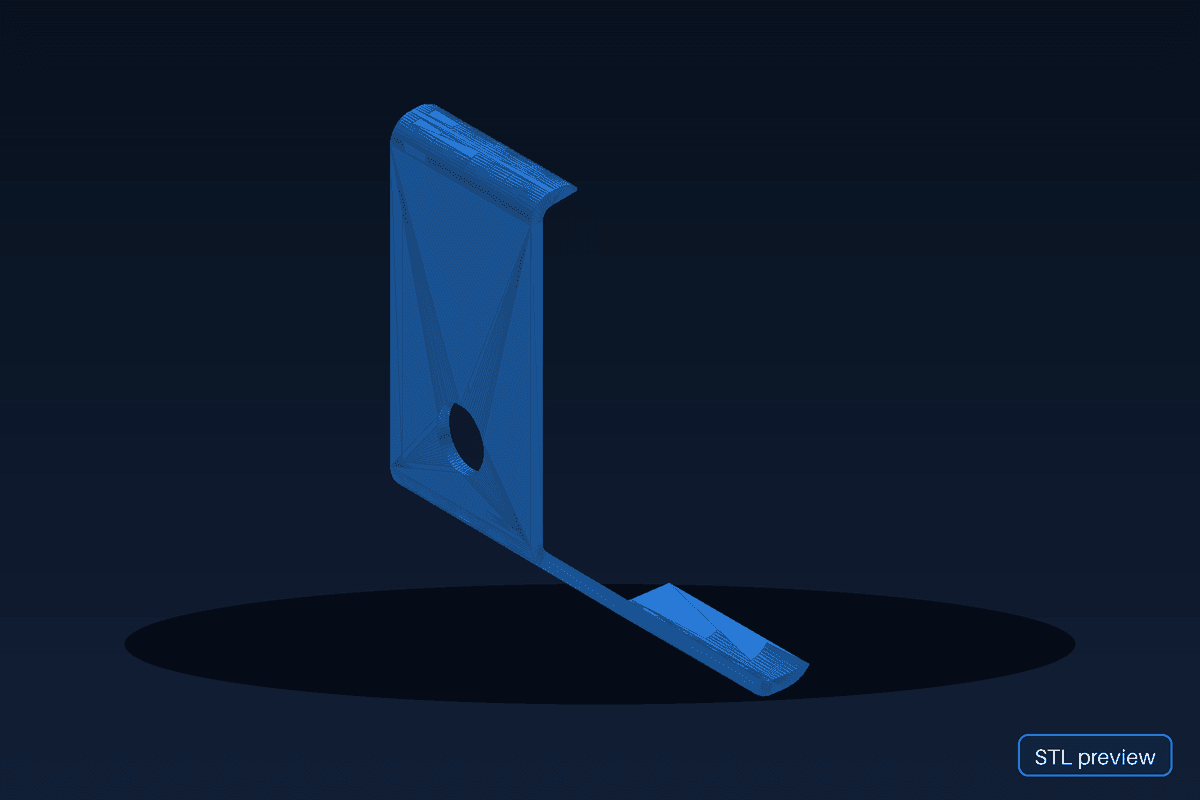
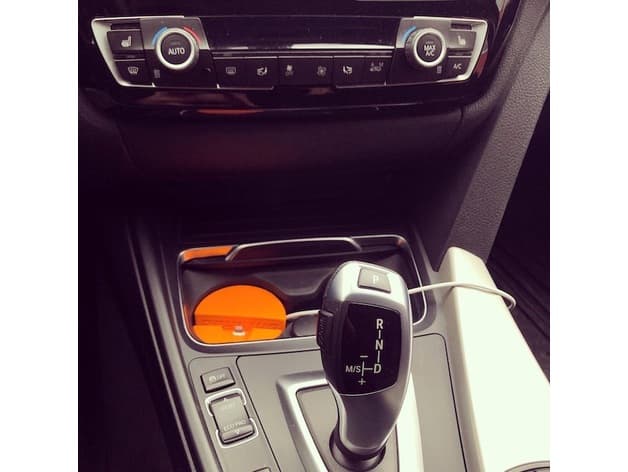
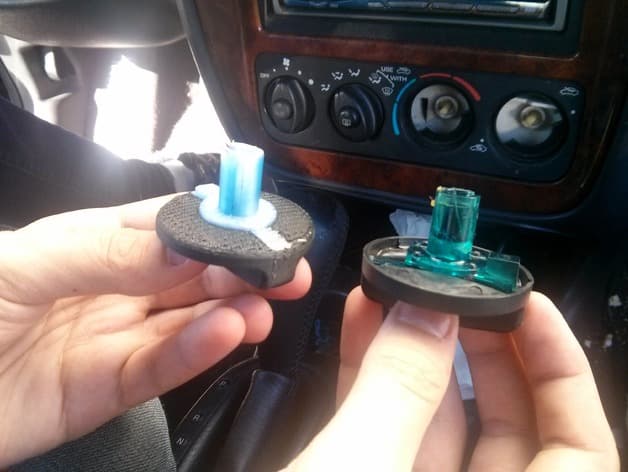
Timothy Turkstra (Pi-design)This uses the ashtray mount to provide a very stable mount for your Garmin GPS that you can reach since the windshield is so far away. Attachments included for both the ~45 mm circular mount or the 17 mm spherical ball mount. Printed in orange for pics - the mount is not visible when installed and in use so you can use any color. Original Honda/Acura part: 77710-SL0-A01 Note: different GPS units have different relative positions of the mounting point, so be sure to check compatibility with the shifter for your unit. This was designed around the Garmin DriveSmart 65 MT. Use PETG, or ABS if you leave your car in the sun. User is responsible for determining suitability for purpose. Remove your ashtray. Mount your GPS to this mount and then push it into the ashtray slot. To remove, push up on the ashtray cover and this mount will release.
Originally published on thingiverse.com by Timothy Turkstra (Pi-design) · License: CC BY-NC
Browse categories
Jump to interior, exterior, accessories, dashboard, mechanical, or tools hubs when you need a different kind of replacement part.
Share whether this print actually fits a real car. Installed photos and material notes make the catalog more trustworthy.
Most specific car + model + year + category matches first, with popular parts mixed in.
Other projects by us
Building tools that make life easier
Start a fitment, printing, or design discussion with this part already attached.