Nissan Note glovebox latch
License & use
Files stay with the original publisher; this catalog entry does not grant hosting or resale rights. License status does not verify vehicle fitment, OEM rights, design patents, or safety.

Shared by
3DPrintedCarPartDescription
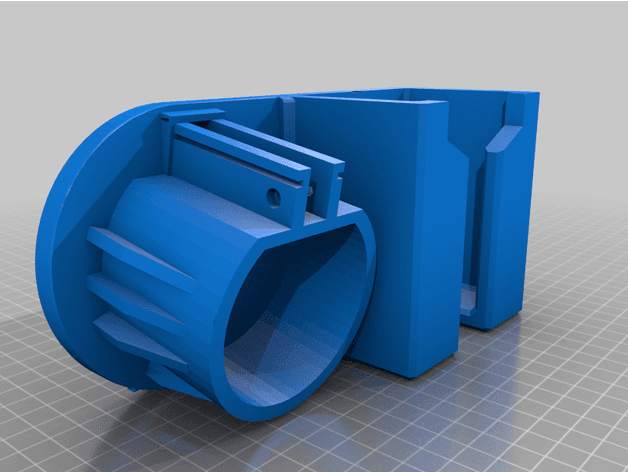
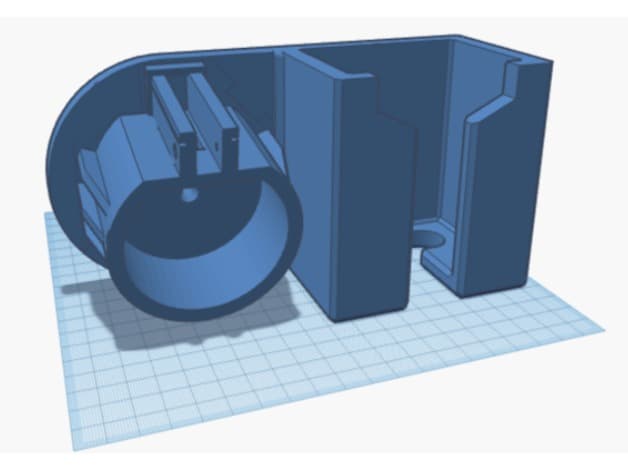
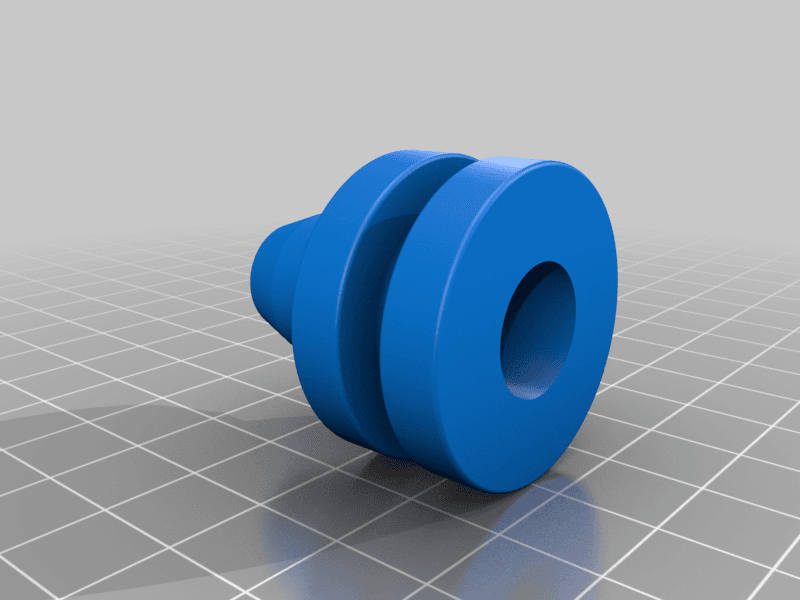
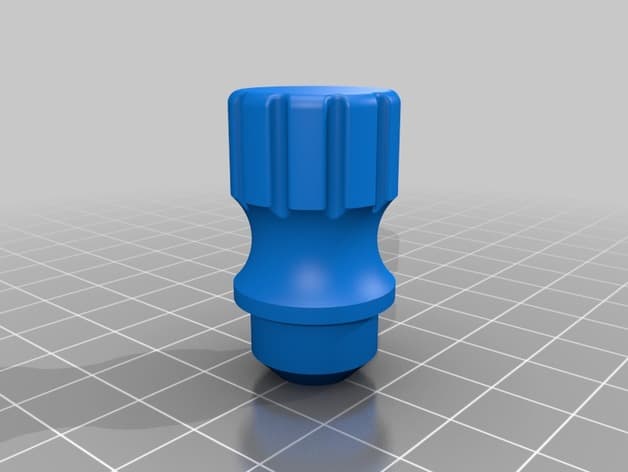
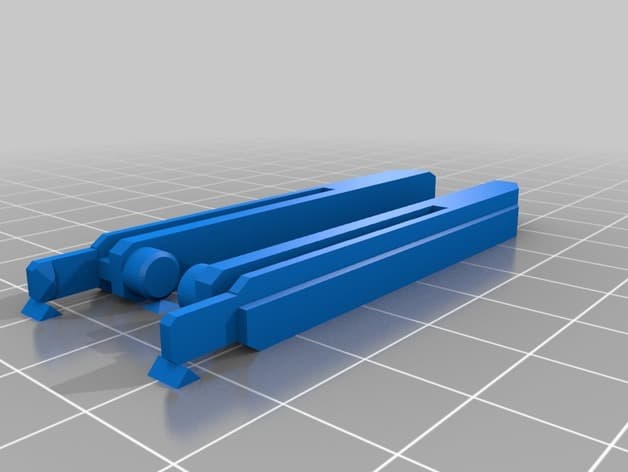
These are the spokes of the glovebox latch / lock for Nissan Note 2010. The parts that will snap from the lock if weight is put on the glovebox. 1) Unscrew the lock from the glovebox. 2) Use a screwdriver or similar push down the plastic pieces that keep the lock together and disassemble the lock mechanism until the spokes are free. 3) Remove the snapped spokes. 4) Replace with the printed ones. Note that there is a groove in the spoke hole and thus the two spokes are not interchangeable. 5) Reassemble the lock and screw it in place.6) Use the glove box.:).
Compatible Vehicles
Originally published on thingiverse.com by Ville-Kalle Arponen (AbbaJee) · License: CC BY-NC-SA
Browse categories
Browse other part families
Jump to interior, exterior, accessories, dashboard, mechanical, or tools hubs when you need a different kind of replacement part.
Share whether this print actually fits a real car. Installed photos and material notes make the catalog more trustworthy.
Related Parts
Most specific car + model + year + category matches first, with popular parts mixed in.