
![How to 3D Print Car Fuse Box Covers: Complete DIY Guide [2026]](/_next/image?url=https%3A%2F%2Fimages.pexels.com%2Fphotos%2F3807517%2Fpexels-photo-3807517.jpeg%3Fauto%3Dcompress%26cs%3Dtinysrgb%26w%3D1260%26h%3D750%26dpr%3D2&w=3840&q=75)
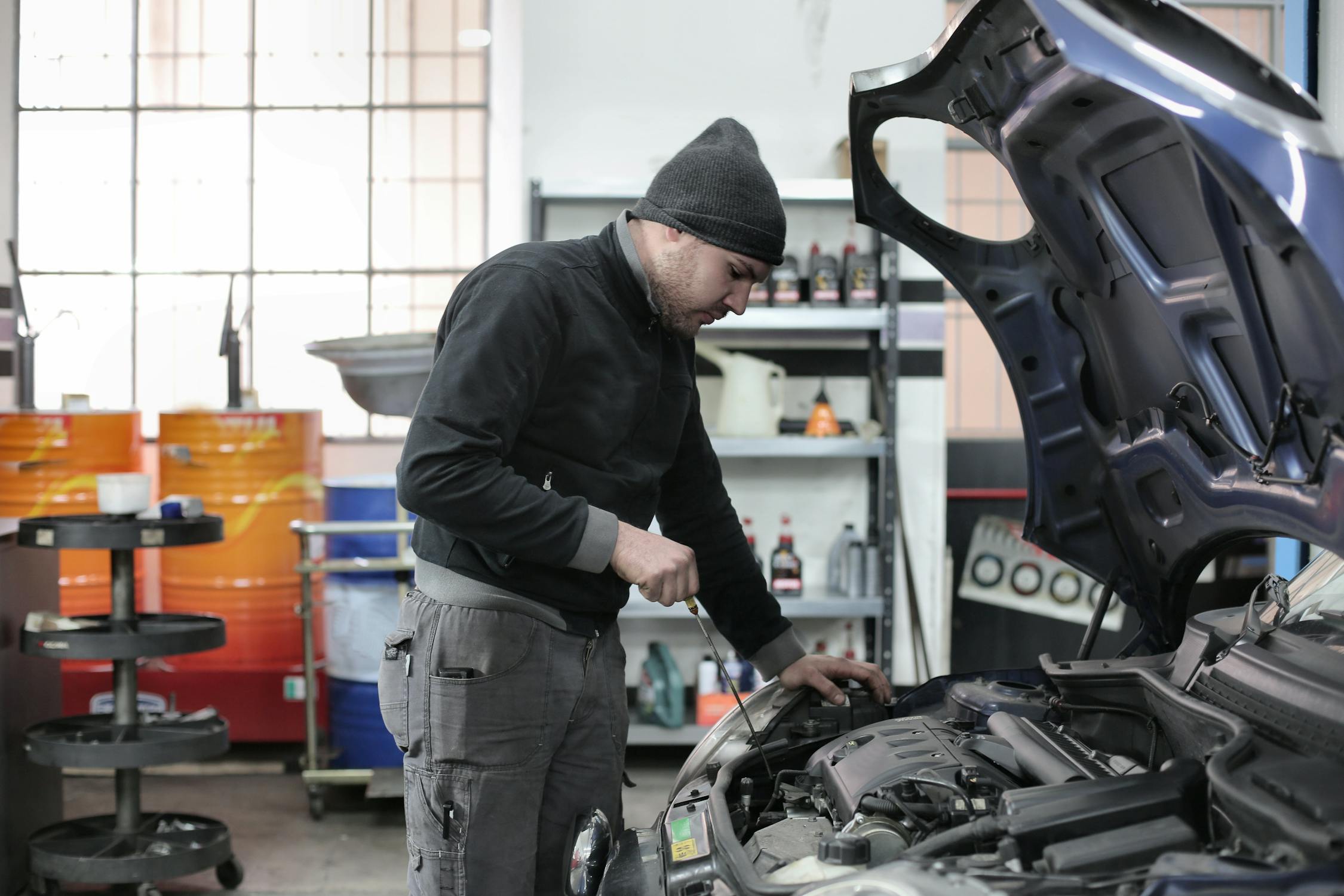
Fuse box covers are one of the most practical 3D printing projects for automotive enthusiasts. These protective panels often crack, break, or go missing entirely—and OEM replacements can cost anywhere from $30 to over $100 for a simple piece of plastic. With a 3D printer and the right material, you can create a perfect replacement for under $2 in filament.
This guide covers everything you need to know about 3D printing fuse box covers for your vehicle, from material selection to finding the right STL files and printing for durability.
Why Fuse Box Covers Break (And Why 3D Printing Is the Perfect Solution)
Factory fuse box covers are typically made from ABS plastic, the same material used in LEGO bricks. While durable under normal conditions, these covers face constant stress from heat cycling, UV exposure (in engine bay locations), and repeated removal during electrical work.
Common failure points include:
- Snap tabs – The thin retention clips that hold the cover in place break from repeated use
- Hinge pins – Integral plastic hinges wear out or snap off completely
- Sun damage – UV exposure causes interior covers to become brittle and crack
- Heat warping – Engine bay temperatures can deform poorly designed covers

3D printing solves these problems because you can choose materials with superior heat resistance and print replacement tabs that are often stronger than the original design. Plus, you can make improvements—like adding clearance for add-a-circuit fuse taps or integrating storage compartments.
Material Selection: Choosing the Right Filament
Material choice is critical for fuse box covers. The wrong filament will warp, become brittle, or fail within months. Here's what actually works—and what to avoid.
| Material | HDT (°C) | UV Resistance | Best For | Verdict |
|---|---|---|---|---|
| ASA | 95-100°C | Excellent | Engine bay, interior | ✓ Best Choice |
| ABS | 88-105°C | Moderate | Interior locations only | ✓ Good Choice |
| PETG | 65-75°C | Moderate | Interior only (cool climates) | ⚠ Marginal |
| PA-CF (Nylon) | 150-180°C | Good | High-temp engine bay | ✓ Overkill but works |
| PLA | 52-60°C | Poor | Test fitting only | ✗ Never Use |
⚠️ Critical Warning: Never Use PLA
PLA will warp and deform in car interiors, especially during summer. A parked car in direct sunlight can reach 70-80°C (158-176°F)—well above PLA's heat deflection temperature. This applies to ALL interior locations, not just engine bay covers. Use PLA only for test fitting, then print your final part in ASA or ABS.

ASA: The Champion for Automotive Parts
ASA (Acrylonitrile Styrene Acrylate) is the gold standard for exterior and under-hood automotive parts. It offers the same heat resistance as ABS but with significantly better UV stability. ASA won't yellow or become brittle from sun exposure, making it ideal for fuse box covers in any vehicle location.
The only downside: ASA requires an enclosed printer and proper ventilation due to styrene emissions during printing.
Where to Find STL Files for Your Vehicle
The 3D printing community has created fuse box cover designs for hundreds of vehicle makes and models. Here's where to look:
| Source | Type | Best For | Cost |
|---|---|---|---|
| Printables | Community repository | Popular vehicles (Toyota, Honda, VW) | Free |
| Cults3D | Mixed (free/paid) | European vehicles, Mercedes, BMW | Free-$15 |
| Thingiverse | Community repository | Older vehicle models | Free |
| Vehicle forums | Enthusiast-created | Specific model years | Usually free |
| Etsy | Commercial sellers | Ready-to-print or printed parts | $5-$25 |
💡 Pro Tip: Search Vehicle Forums First
Vehicle-specific forums often have the best STL files. Try searching "[your vehicle] 3d printed fuse box cover" on forums like TacomaWorld, 4Runners.com, ClubLexus, or your vehicle's dedicated community. These designs are battle-tested by owners who've actually installed them.

Popular Vehicle-Specific Designs
Some of the most popular fuse box cover designs in the community include:
- Toyota 4Runner (5th Gen) – Extended cover with add-a-circuit clearance, widely shared on toyota-4runner.org
- Toyota Tacoma (3rd Gen) – Extended fuse cover with integrated storage, available on TacomaWorld
- Lexus IS350 – Cover with room for add-a-circuit fuse taps
- Subaru Impreza/Crosstrek (2023+) – Storage container replacement for factory "do nothing" cover
- Dodge Challenger SRT – Custom Hemi-branded engine bay cover
- Mercedes-Benz (various) – Trunk scuff plate fuse access lid replacements
- Mazda RX-7 FD – Engine bay fuse box cover with battery attachment
Can't find a design for your vehicle? Check out our parts library or ask the community forum—someone may have designed exactly what you need.
Designing Your Own Fuse Box Cover
If no STL file exists for your vehicle, creating your own design is straightforward. Fuse box covers are relatively simple parts with flat surfaces and basic clip mechanisms.

Step 1: Remove and Measure the Original
If you have the original cover (even broken), carefully measure all dimensions with digital calipers. Pay special attention to:
- Overall length, width, and depth
- Clip positions and dimensions
- Any raised ribs or registration features
- Hinge pin locations (if applicable)
- Clearance for fuses and relays
If the original is missing entirely, search for OEM part diagrams or measure the fuse box itself.
Step 2: CAD Modeling
Fuse box covers can be designed in any CAD software for automotive parts:
- Fusion 360 (free for hobbyists) – Best for parametric designs you may need to iterate
- TinkerCAD (free, browser-based) – Simple enough for basic flat covers
- OnShape (free tier available) – Great for collaboration
⚡ Design Tips for Durability
- Wall thickness: Minimum 2mm for main body, 3mm for clip areas
- Clip design: Add 0.3-0.5mm tolerance for snap-fit clips
- Draft angles: 2-3° draft on vertical walls helps release from mold-style fuse box cavities
- Rounded corners: Use fillets (2mm+) on all interior corners to reduce stress concentration

Optimal Print Settings for Fuse Box Covers
The right print settings make the difference between a part that lasts years and one that fails within months. Here's what works:
| Parameter | ASA Setting | ABS Setting | Notes |
|---|---|---|---|
| Nozzle Temp | 240-260°C | 230-250°C | Higher = better layer adhesion |
| Bed Temp | 90-110°C | 90-110°C | Use textured PEI or glue stick |
| Layer Height | 0.2mm | 0.2mm | Balance of speed and quality |
| Wall Count | 4-5 | 4-5 | More walls = stronger clips |
| Infill | 30-50% | 30-50% | Grid or gyroid pattern |
| Enclosure | Required | Required | Prevents warping |
| Print Orientation | Flat (cover face down) | Strongest for clip retention | |
✓ Print Orientation Matters
Print your fuse box cover with the main face down on the print bed. This ensures the clips are printed with layer lines running perpendicular to the stress direction, making them significantly stronger. Avoid printing with clips pointing sideways—they'll snap on first use.

Post-Processing and Installation
Unlike decorative parts, fuse box covers don't need extensive finishing. However, a few steps ensure proper fit:
1. Test Fit Before Permanent Installation
Place the cover on the fuse box without fully engaging the clips. Check for:
- Clearance over all fuses and relays
- Clip alignment with mounting points
- Any interference with wiring or add-a-circuit taps
2. Minor Adjustments
If clips are too tight, lightly sand them with 220-grit sandpaper. For ASA and ABS, you can also use acetone to smooth any rough edges (apply with a cotton swab, not a bath).
3. Final Installation
Press the cover firmly into place. Well-designed clips should snap in with a satisfying click. If the cover feels loose, you may need to reprint with tighter tolerances (reduce clip gap by 0.1-0.2mm).

Cost Comparison: 3D Printed vs OEM vs Aftermarket
The savings from 3D printing fuse box covers are substantial—often 95%+ compared to OEM pricing:
| Vehicle | OEM Price | Aftermarket | 3D Printed | Savings |
|---|---|---|---|---|
| Toyota 4Runner | $45 | $25-35 | $1.50 | 97% |
| Lexus IS350 | $65 | $30-45 | $2.00 | 97% |
| Mercedes W124 | $85+ | Often N/A | $2.50 | 97% |
| Dodge Challenger | $55 | $20-30 | $3.00 | 95% |
| Mazda CX-5 | $35 | $15-20 | $1.50 | 96% |
Note: 3D printed costs assume ~50g ASA filament at $30/kg spool price. Your actual cost may vary based on material choice and local pricing.
Advanced Modifications: Add-A-Circuit Integration
One of the most popular modifications for 3D printed fuse box covers is adding clearance for add-a-circuit fuse taps. These devices let you add 12V power sources for dashcams, phone chargers, or aftermarket accessories without splicing wires.

Standard fuse box covers often won't close with add-a-circuit taps installed because the tap's wire exits at an angle. A custom 3D printed cover can include:
- Cutouts or channels for wires to exit cleanly
- Raised sections to clear the tap body
- Multiple wire routing options for different configurations
- Integrated strain relief for wires
This is exactly what the popular Lexus IS350 and Toyota 4Runner/Tacoma designs provide—and why they're so widely shared in the community.
Printer Requirements
Fuse box covers are relatively simple prints that don't require a high-end machine. Here's what you need:
| Feature | Requirement | Recommended Printers |
|---|---|---|
| Enclosure | Required for ASA/ABS | Bambu Lab P1S, Qidi X-Max 3 |
| Build Volume | 200x200mm minimum | Most covers fit this size |
| Heated Bed | 90-110°C capable | Essential for ABS/ASA adhesion |
| Nozzle Temp | 260°C capable | All-metal hotend recommended |
For more printer recommendations, see our best 3D printer for car parts guide.
Common Problems and Solutions
Troubleshooting Table
Problem: Clips snap during installation
Solution: Increase wall count to 5-6, print with more perimeters. For extremely tight fits, warm the clips with a heat gun (not a flame) before snapping in place.
Problem: Cover warps on the print bed
Solution: Ensure your enclosure is sealed and bed is level. Add a brim (5-10mm) to improve adhesion. For ABS/ASA, use a glue stick or textured PEI sheet.
Problem: Cover doesn't fit—dimensions are off
Solution: Verify the STL file is for your exact model year. Measure the original part and compare to the design dimensions. Scale the model in your slicer if needed (typically 99-101%).
Problem: Cover fits but feels loose
Solution: Reduce clip gap by 0.1-0.2mm in your CAD software and reprint. Or add a small piece of adhesive foam tape to create friction.
Problem: Cover warped after installation in hot weather
Solution: You probably used PLA or PETG. Reprint in ASA or ABS—there's no fix for heat-warped PLA.

Join the Community
🔧 Share Your Fuse Box Cover Design
Created a fuse box cover for a vehicle that's not well-represented online? Share it with the community! Upload your design to our parts library and help other owners with the same vehicle.
Create Free AccountNeed help with your specific vehicle? The 3DCP community forum has members with experience on hundreds of makes and models. Post your project and get feedback from makers who've been there.
Frequently Asked Questions
Can I print a fuse box cover in PLA for a test fit?
Yes, but only for test fitting. Remove the PLA version immediately and replace with ASA or ABS before driving the vehicle. PLA will warp on the first hot day, potentially damaging your fuse box.
Is PETG safe for interior fuse box covers?
PETG is marginal for interior use. It has a heat deflection temperature of 65-75°C, which can be exceeded in parked cars during summer. If you must use PETG, only install in cool-climate locations and avoid sun-facing areas.
What if I can't find an STL file for my vehicle?
You have three options: (1) Design your own using Fusion 360 or similar CAD software, (2) Commission a design from a freelance CAD designer on Fiverr or similar, or (3) Post a request in vehicle-specific forums—someone may have already designed one but not published it.
Can I use ASA for engine bay fuse box covers?
Yes, ASA is excellent for engine bay locations. Its HDT of 95-100°C handles normal under-hood temperatures, and its UV resistance prevents degradation from any light exposure. For extreme-heat locations (near exhaust manifolds), consider PA-CF nylon instead.
How long will a 3D printed fuse box cover last?
Printed in ASA or ABS with proper settings, expect 5+ years of service—longer than many OEM parts. The key is using appropriate materials and ensuring good layer adhesion during printing.
Should I print my fuse box cover solid (100% infill)?
No, 100% infill is unnecessary and can actually make parts more brittle. Use 30-50% infill with grid or gyroid pattern. The wall count (4-5 perimeters) matters more for structural strength than infill density.


Start Your Project Today
Fuse box covers are one of the most practical entry points into automotive 3D printing. They're simple to design, quick to print, and provide immediate value by protecting your vehicle's electrical system while saving significant money compared to OEM replacements.
Whether you're replacing a broken cover, adding clearance for electrical accessories, or creating a custom solution that doesn't exist on the market—3D printing gives you the capability to solve the problem yourself.
🚗 Ready to Print Your First Fuse Box Cover?
Browse our library of vehicle-specific designs, share your own creations, and connect with thousands of automotive makers.
Browse Parts Library Join the ForumReference shelf
Materials and equipment referenced here
Optional product references matched to the material or printer discussion above. Use the specifications—not the brand name—to decide what fits your setup.
| Referenced item | What to verify | Price & availability |
|---|---|---|
| PETG filamentAmazon · Affiliate link | Amazon product page for 1.75 mm PETG; confirm colour, spool size, print temperature, seller, and delivery region. | Check price at Amazon |
| ASA filamentAmazon · Affiliate link | Amazon product page for 1.75 mm ASA; use an enclosure and suitable ventilation, and confirm seller and regional availability. | Check price at Amazon |
| ABS filamentAmazon · Affiliate link | Amazon product page for 1.75 mm ABS; use an enclosure and suitable ventilation, and verify temperature requirements and seller. | Check price at Amazon |
Affiliate disclosure: if you buy through an eligible link, 3DPrintedCarPart may earn a commission at no extra cost to you. As an Amazon Associate I earn from qualifying purchases. Confirm product specifications, compatibility, seller terms, and vehicle safety before ordering or using anything. Amazon may redirect you to a nearby supported store; otherwise the original Amazon.com page remains available.


