

3D printed phone mounts for cars have revolutionized how drivers secure their smartphones while on the road. Instead of settling for generic, ill-fitting commercial mounts that rattle, block air vents, or position your phone at awkward angles, 3D printing technology enables you to create custom mounts perfectly tailored to your specific vehicle and phone. This comprehensive guide covers everything from material selection and design considerations to step-by-step printing instructions and vehicle-specific solutions.
Whether you're frustrated with commercial options that don't quite fit your dashboard, looking to create a mount that integrates wireless charging, or simply want a cleaner solution than suction cups and adhesive pads, the maker community has developed thousands of designs that you can print, modify, and perfect. Join our community forum to discover what fellow enthusiasts are creating for their vehicles.
Why 3D Print Your Own Car Phone Mount?

The global phone mount market generates billions annually, yet finding the perfect mount for your specific combination of car and phone remains surprisingly difficult. Commercial mounts use one-size-fits-all designs that create compromises in fit, function, and aesthetics.
Consider the typical problems with store-bought phone mounts:
- Air vent mounts often block airflow or don't grip your specific vent style securely
- Suction cup mounts fail in extreme temperatures, leaving your phone crashing onto the dashboard
- CD slot mounts work great—if your car still has a CD player (increasingly rare)
- Adhesive mounts leave residue and can damage interior surfaces
- Windshield mounts may be illegal in some jurisdictions and block visibility
3D printing eliminates these compromises entirely. You can design a mount that clips precisely into your vehicle's existing features, holds your specific phone model securely, and looks like it came from the factory.
✅ Key Benefits of 3D Printed Phone Mounts
- Perfect fit: Designed for your exact vehicle make, model, and year
- Custom phone sizing: No universal clamps that scratch your device
- Integration options: Wireless charging, cable management, quick-release
- Cost savings: $2-5 in materials vs $20-50 for premium commercial mounts
- Replaceability: Break it? Print another in hours
- Iterative improvement: Keep refining until it's perfect
Types of 3D Printed Phone Mounts
Before diving into materials and design, let's explore the main categories of 3D printed phone mounts. Each type has distinct advantages depending on your vehicle's interior layout and personal preferences. Browse our parts library to find designs for each category.
Air Vent Mounts
Air vent mounts remain the most popular category because they require no adhesives, suction cups, or permanent modifications. However, designing one that works perfectly requires understanding your specific vent geometry. The automotive vent styles vary significantly between manufacturers—horizontal slats, vertical fins, round vents, and unique designs all require different clip mechanisms.
Best for: Vehicles with sturdy plastic vents positioned in easy viewing locations
Design considerations:
- Measure vent slat thickness and spacing precisely (calipers recommended)
- Design clips that grip without blocking airflow
- Account for vent angle adjustment mechanisms
- Consider ball-joint or swivel attachments for positioning flexibility
Dashboard-Integrated Mounts
Dashboard-integrated mounts clip into specific dashboard features—coin trays, accessory slots, or decorative trim pieces. These often provide the cleanest, most factory-looking installation since they're designed around existing vehicle architecture.
Best for: Vehicles with suitable dashboard features; those who want an OEM appearance
Design considerations:
- Requires detailed measurements of integration points
- Often vehicle-specific with no cross-compatibility
- May need complex geometry to fit existing contours
- Can be combined with wireless charging coils
Cup Holder Mounts
Cup holder mounts take advantage of your vehicle's existing cup holders, which typically aren't used while driving. These work well for larger phones and tablets, providing stability that air vent mounts sometimes lack.
Best for: Larger phones; vehicles with multiple cup holders; users who prefer lower phone positioning
ProClip-Style Mounting Plates
Some 3D printer enthusiasts replicate the concept behind commercial ProClip mounts—vehicle-specific base plates that attach to dashboard seams without adhesives or suction cups. While ProClip products are expensive ($30-80+), the underlying design principle can be recreated with 3D printing.
Best for: Those willing to invest design time in exchange for premium results
| Mount Type | Complexity | Stability | Print Time | Material Cost | Vehicle Modification |
|---|---|---|---|---|---|
| Air Vent Mount | Moderate | Good | 2-3 hours | $1-3 | None |
| Dashboard Integrated | High | Excellent | 3-5 hours | $2-5 | None |
| Cup Holder Mount | Low | Very Good | 2-4 hours | $2-4 | None |
| ProClip-Style | High | Excellent | 4-6 hours | $3-6 | None |
| Suction + Arm | Moderate | Variable | 3-4 hours | $2-4 + suction cup | None |
Choosing the Right Materials for Car Phone Mounts

Material selection is absolutely critical for phone mounts that will live inside vehicles. The interior of a parked car can reach temperatures exceeding 80°C (176°F) on hot summer days—well above the softening point of common 3D printing materials like PLA. According to studies from the National Highway Traffic Safety Administration, dashboard temperatures in direct sunlight can exceed 70°C (160°F) within minutes on hot days.
⚠️ Critical Warning: Never Use PLA for Phone Mounts
PLA (Polylactic Acid) has a glass transition temperature of approximately 55-60°C (131-140°F). This means your carefully designed phone mount will warp, sag, and potentially fail completely after just one hot day in your car. This isn't a hypothetical risk—it's a near certainty for any vehicle parked in sunlight. Our community forum is filled with stories of PLA mounts that turned into modern art sculptures after summer heat exposure.
PETG: The Recommended Starting Material
PETG (Polyethylene Terephthalate Glycol) represents the best balance of heat resistance, ease of printing, and cost for most phone mount applications. With a glass transition temperature of 75-80°C (167-176°F), PETG can handle most automotive interior temperatures without deformation.
PETG Advantages:
- Heat resistance suitable for most vehicles in most climates
- Excellent layer adhesion for structurally strong parts
- Good impact resistance—won't shatter if your phone drops
- Easier to print than ABS—no enclosure required
- Available in many colors including carbon-fiber reinforced variants
- Reasonably priced at $15-25 per 1kg spool
PETG Limitations:
- May soften in extremely hot climates (desert regions, black car interiors)
- Not UV stable—will degrade if exposed to direct sunlight over months
- Can be stringy during printing, requiring tuned retraction settings
ABS: The Heat-Resistant Option
ABS (Acrylonitrile Butadiene Styrene) is the material that automotive manufacturers have used for interior components for decades. With a glass transition temperature above 100°C (212°F), ABS can handle even extreme automotive temperatures without issues.
ABS Advantages:
- Superior heat resistance—can handle any vehicle interior temperature
- Proven automotive-grade material
- Can be vapor smoothed with acetone for a glossy, professional finish
- Excellent impact resistance
ABS Limitations:
- Requires an enclosed printer to prevent warping during printing
- Emits fumes during printing—requires good ventilation
- Prone to warping on larger prints with flat surfaces
- Not UV stable
ASA: The Premium Automotive Choice
ASA (Acrylonitrile Styrene Acrylate) combines the heat resistance of ABS with excellent UV stability. For phone mounts that will see direct sunlight, ASA is the premium choice that will maintain its properties year after year.
TPU: For Flexible Components
While not suitable for the entire mount structure, TPU (Thermoplastic Polyurethane) is excellent for specific components like phone grip pads, vibration dampeners, or protective edges. Many makers use multi-material designs combining a rigid PETG or ABS structure with TPU grip surfaces.
| Material | Heat Resistance (Tg) | UV Stability | Print Difficulty | Cost/kg | Recommendation |
|---|---|---|---|---|---|
| PLA | 55-60°C | Poor | Easy | $15-20 | ❌ Never use |
| PETG | 75-80°C | Moderate | Moderate | $18-25 | ✅ Best choice |
| ABS | 100-105°C | Poor | Difficult | $18-25 | Hot climates |
| ASA | 100-105°C | Excellent | Difficult | $25-35 | Premium option |
| TPU | 70-85°C | Good | Moderate | $25-40 | Grip pads only |
Designing Your Perfect Phone Mount
Designing a custom phone mount requires attention to multiple factors: vehicle integration, phone compatibility, ergonomics, and printability. Here's a systematic approach to creating a mount that works perfectly for your needs.
Step 1: Measure Your Vehicle's Integration Point
Precise measurements are essential. Use digital calipers (essential for 3D printing work) to measure:
- Vent slat thickness: Usually 2-4mm; critical for clip engagement
- Vent slat spacing: Determines clip depth and count
- Vent angle range: How much the vent can pivot
- Dashboard contour: If integrating with dashboard features
- Clearance constraints: Nearby controls, visibility requirements
💡 Pro Tip: Create a Cardboard Prototype
Before committing to a 3D print, create a rough cardboard mockup to verify positioning, viewing angles, and interference with controls. This 5-minute test can save hours of print time and material.
Step 2: Phone Dimensions and Case Compatibility
Design for your specific phone and case combination. Key measurements include:
- Phone width with case: Add 0.5-1mm tolerance for easy insertion
- Phone depth with case: For cradle-style mounts
- Button and port locations: Ensure they remain accessible
- Weight: Affects mount arm strength requirements
Consider whether you want a universal design that accommodates multiple phone sizes or a precision fit for your specific device. Universal designs use adjustable arms or elastic retention, while precision fits offer cleaner aesthetics and better stability.
Step 3: Retention Mechanism
There are several approaches to holding the phone in place:
Cradle Style: The phone sits in a formed pocket with raised edges preventing escape. Simple to design but typically requires precise phone dimensions.
Clamp Style: Adjustable arms grip the phone sides. More universal but more complex to design with springs or tension mechanisms.
Magnetic: Uses magnets (with a metal plate attached to the phone or case). Very convenient but adds mass to your phone and may interfere with wireless charging or credit cards.
MagSafe Compatible: For iPhone 12 and newer, designs can incorporate MagSafe magnets for easy attachment and wireless charging. This is increasingly popular in our parts library.
Step 4: Cable Management and Charging
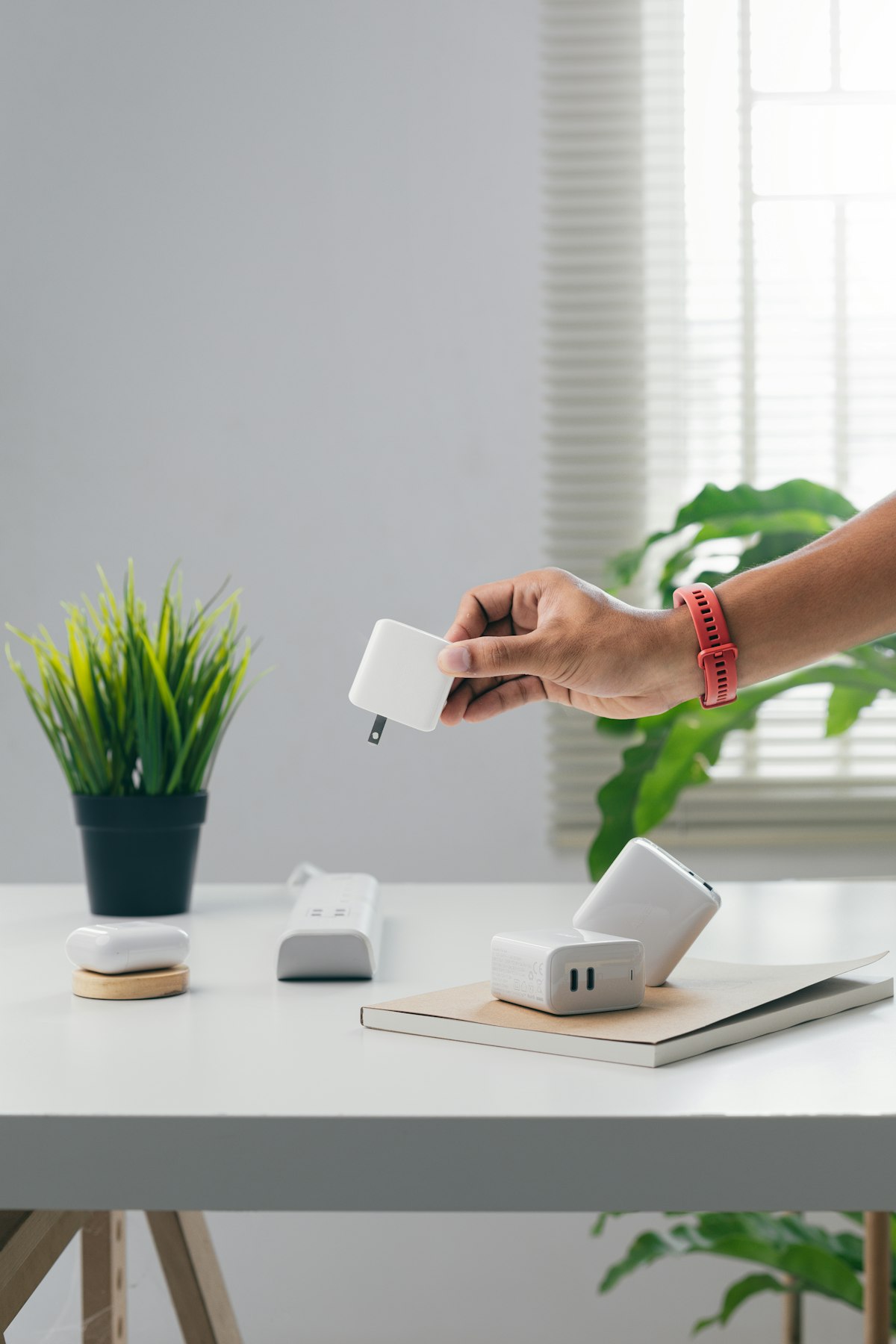
Navigation and music streaming drain phone batteries quickly. Plan for charging by incorporating:
- Cable channels: Route charging cables cleanly through the mount
- Port access cutouts: Ensure charging cables can connect
- Wireless charging integration: Embed wireless charging coils in the mount
- USB-C/Lightning positioning: Design cable entry points that don't strain connectors
⚠️ Wireless Charging Heat Warning
Wireless charging generates heat, and adding that to already hot car interiors can push your phone into thermal throttling or protective shutdown. If integrating wireless charging, consider adding ventilation gaps behind the phone and avoid positioning the mount in direct sunlight. Some makers include small USB-powered fans in their designs for active cooling.
Finding Pre-Made Phone Mount Designs
Not everyone wants to design from scratch, and that's perfectly fine. The maker community has created thousands of phone mount designs covering nearly every vehicle and phone combination imaginable.

Community Resources
Our parts library features phone mount designs organized by vehicle make, model, and year. You can also find designs on popular 3D model repositories:
- Thingiverse: Massive library of free designs, searchable by vehicle
- Printables: Curated collection with quality ratings and print settings
- Cults3D: Mix of free and premium designs from professional creators
- MyMiniFactory: Quality-focused repository with guaranteed printable designs
When downloading designs, pay attention to:
- Print settings: Layer height, infill, material recommendations
- User comments: Real-world feedback about fit and durability
- Make photos: See how the design looks when actually printed
- Vehicle compatibility: Verify exact year range matches your vehicle
- Phone models tested: Ensure your phone dimensions work
How to Search Effectively
Use specific search terms combining your vehicle and mount type:
- "2020 Honda Civic phone mount"
- "Toyota Tacoma vent clip phone holder"
- "Tesla Model 3 screen mount"
- "Ford F-150 cup holder phone stand"
- "VW Golf CD slot phone mount" (for older vehicles)
Printing Your Phone Mount: Recommended Settings
Phone mounts experience significant mechanical stress during normal use—phones being inserted and removed daily, vibration from rough roads, and thermal cycling. Use print settings that prioritize strength and durability over print speed.
Recommended Print Settings for PETG
- Layer height: 0.2mm for good balance of speed and strength
- Nozzle temperature: 240-250°C (material dependent)
- Bed temperature: 70-80°C
- Infill: 40-60% with grid or gyroid pattern for structural parts
- Wall count: 4-5 walls for maximum strength at stress points
- Print speed: 40-50mm/s for quality; don't rush
- Cooling: 50-70% fan after first few layers
- First layer: Slow (20mm/s) with squish for bed adhesion
Orientation Matters
Print orientation significantly affects strength due to layer adhesion being weaker than in-layer bonds. Orient your print so that the primary stress directions align with the layer lines rather than across them.
For air vent mounts:
- Print clips lying flat if they experience tension perpendicular to the vent
- Print arms with the long axis horizontal for bending strength
- Use supports for overhangs greater than 45 degrees
✅ Best Practice: Test Fit Early
Print just the vehicle-interface portion first (the vent clips or dashboard integration piece) to verify fit before committing to the entire print. A 30-minute test print can save you from discovering fit issues after a 4-hour full print.
Vehicle-Specific Phone Mount Solutions
Different vehicle types present different mounting challenges and opportunities. Let's explore considerations for specific categories.

Modern Vehicles with Touch Screens
Vehicles with large central infotainment screens often have reduced vent accessibility but offer other integration opportunities:
- Screen-top mounts that clip to the infotainment display bezel
- Side-of-screen mounts utilizing display housing gaps
- Wireless charging pad integration below the screen
Tesla and EV Considerations
Teslas and other EVs with minimalist interiors present unique challenges—no traditional vents to clip onto. Popular solutions include:
- Screen-mounted holders that attach to the large central display
- Console-integrated mounts in the armrest/storage area
- Steering column-mounted options for specific viewing angles
Classic and Vintage Vehicles
Classic car owners face the challenge of adding modern phone mounting without detracting from vintage aesthetics. Our classic car restoration guide covers this in detail, but key approaches include:
- Mounts that integrate with existing accessory slots (ash trays, glove boxes)
- Period-appropriate styling that doesn't look out of place
- Reversible mounting solutions that don't modify original components
Trucks and Commercial Vehicles
Larger vehicles often have more mounting options and less restrictive visibility requirements:
- Dashboard-top mounts taking advantage of flat surfaces
- A-pillar mounts for professional/fleet applications
- Heavy-duty designs for construction and off-road use
| Vehicle Type | Best Mount Style | Key Challenge | Material Recommendation |
|---|---|---|---|
| Modern Sedan | Air Vent / Screen-Mount | Limited vent access near screens | PETG |
| Tesla/EV | Screen-Mount / Console | Minimal traditional mounting points | PETG or ASA |
| Classic Car | Dashboard Integrated | Aesthetic preservation | ABS (vapor smooth) |
| Truck/SUV | Dashboard-Top / Vent | Vibration and durability | ASA or ABS |
| Motorcycle | Handlebar / RAM-style | Weather and vibration | ASA + TPU damping |
Advanced Features: Wireless Charging Integration
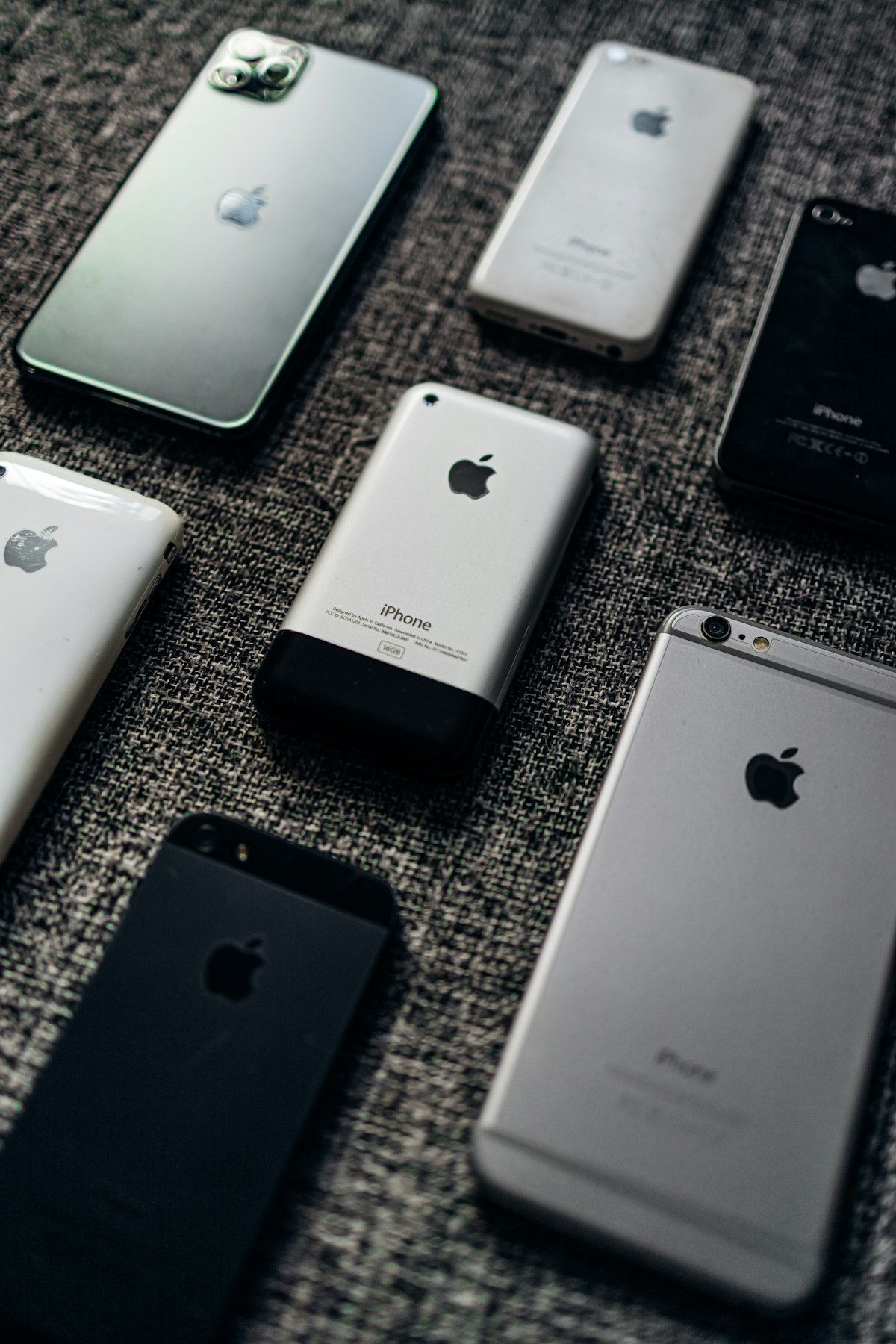
One of the most requested features in custom phone mounts is integrated wireless charging. With Qi wireless charging standard support across most modern smartphones, you can create a mount that charges your phone automatically when placed.
Components Needed
- Qi charging coil: Available for $5-15 from electronics suppliers
- Charging circuit: Usually included with coil modules
- USB power source: Your car's USB port or 12V adapter
- LED indicator: Optional but helpful for charging status
Design Considerations for Wireless Charging
The distance between charging coil and phone significantly affects charging efficiency. Design your mount so that:
- The charging coil sits within 5mm of the phone's wireless charging location
- Coil alignment is reliable (visual or physical guides help)
- The mount material doesn't interfere with power transfer (plastic is fine)
- There's adequate ventilation for heat dissipation
💡 MagSafe Integration
For iPhone 12 and newer, MagSafe magnets provide perfect coil alignment automatically. You can purchase MagSafe-compatible charging modules or salvage them from commercial MagSafe chargers. The magnets also provide excellent phone retention without mechanical clamps. Check our forum for MagSafe mount designs shared by the community.
Safety and Legal Considerations
Before mounting your phone, understand both the safety implications and legal requirements in your jurisdiction.
Safe Mounting Position
Your phone mount should:
- Not obstruct airbag deployment paths—critical for safety
- Not block necessary controls—HVAC, lights, signals
- Minimize visibility obstruction—lower dashboard positions preferred
- Be within peripheral vision—minimize eye movement from road
- Not create projectile hazards—mount securely, use appropriate materials
Legal Requirements
Windshield mount regulations vary by jurisdiction:
- California: Limited to 7" square in lower left or 5" square in lower right of windshield
- Minnesota: Windshield mounting prohibited
- Many states: No specific restrictions but general obstruction laws apply
- Europe: Generally stricter; dashboard mounting often preferred
Dashboard and vent mounts typically avoid windshield-related legal issues while providing better positioning for most users.
Cost Analysis: 3D Printed vs Commercial Mounts
Understanding the economics helps justify your 3D printing investment. See our detailed cost comparison guide for comprehensive analysis.
| Option | Initial Cost | Per-Mount Cost | Customization | Perfect Fit |
|---|---|---|---|---|
| Budget Commercial Mount | $0 | $10-20 | None | Rarely |
| Premium Commercial Mount | $0 | $30-80 | Limited | Sometimes |
| 3D Printed (with printer) | $200-400 | $2-5 | Complete | Yes |
| 3D Print Service | $0 | $15-40 | Full (if you design) | Yes |
If you already own a 3D printer for other projects, phone mounts become nearly free to produce. Even if you need to buy a printer, you'll break even after making mounts for several family vehicles plus a few custom accessories—and you'll own a tool capable of making thousands of other useful items.
Step-by-Step: Creating Your First Phone Mount
Ready to create your first 3D printed phone mount? Follow this complete workflow from concept to installation. Whether you're using an existing design or creating something entirely custom, these steps ensure success.

Phase 1: Planning and Measurement (30 minutes)
Proper planning prevents poor prints. Before touching your CAD software or downloading any files, gather information:
- Document your vehicle: Year, make, model, and trim level (trim matters for interior variations)
- Photograph mounting location: Multiple angles showing vent style, surrounding controls, and clearances
- Measure with calipers: Vent slat thickness (typically 2-4mm), spacing between slats, depth of vent housing
- Measure your phone: With your case on—width, height, thickness, and charging port location
- Test sight lines: Sit in driving position and identify ideal phone location without blocking views or controls
Phase 2: Design Selection or Creation (1-4 hours)
Now decide between using an existing design or creating your own:
Option A: Existing Design
- Search our parts library for your vehicle
- Read all user comments and check make photos
- Download the STL and recommended print settings
- Open in your slicer and preview before printing
Option B: Custom Design
- Choose CAD software (Fusion 360, TinkerCAD, OnShape all work)
- Create vent clip mechanism first using your measurements
- Add phone cradle with appropriate tolerances (0.5-1mm clearance)
- Design arm connecting clip to cradle with cable management
- Add fillets to all stress concentration points
Phase 3: Test Printing (30-60 minutes)
Before printing the complete mount, validate critical dimensions:
- Print vent clip only: This 15-30 minute print verifies vehicle fit
- Test fit in vehicle: Check grip, interference with vent controls, stability
- Note adjustments needed: Tighter clip? Different angle? More clearance?
- Iterate if necessary: Quick changes and reprints are better than full mount failures
Phase 4: Final Print (2-5 hours)
With validated dimensions, print the complete mount:
- Prepare your printer: Level bed, clean nozzle, load appropriate material
- Configure slicer settings: Use recommended settings from materials section above
- Monitor first layers: Good adhesion here prevents issues later
- Remove supports carefully: Use flush cutters and needle-nose pliers
Phase 5: Post-Processing and Installation (30 minutes)
Finish your mount professionally:
- Remove support marks: Sand or file any rough spots
- Add grip pads: Cut TPU strips or use rubber shelf liner on phone contact points
- Install in vehicle: Start with mount only, then add phone to test stability
- Route charging cable: Through any cable management features
- Test thoroughly: Shake test, visibility check, button accessibility
✅ Success Checklist
- Phone slides in and out smoothly but doesn't rattle
- Mount doesn't interfere with vent adjustment or other controls
- Charging cable connects without strain
- Phone visible at comfortable glance angle
- Mount feels solid with no wobble or vibration
Post-Processing Techniques for Professional Results
While functional phone mounts don't require fancy finishing, a few post-processing techniques can elevate your mount from "obviously 3D printed" to "factory quality."
Sanding for Smooth Surfaces
Progressive sanding removes layer lines on visible surfaces:
- Start with 150-grit sandpaper to remove major imperfections
- Progress through 220, 400, 600 grits for smoother finishes
- Wet sanding at higher grits prevents clogging
- Focus on surfaces you'll see daily; functional surfaces can remain as-printed
Acetone Vapor Smoothing (ABS Only)
For ABS prints, acetone vapor smoothing creates a glossy, injection-molded appearance:
- Place print in sealed container with acetone-soaked paper towels
- Check every 10-15 minutes to monitor smoothing progress
- Remove before fine details are lost
- Allow complete off-gassing before use in enclosed vehicle
⚠️ Safety Note
Acetone is highly flammable and the vapors are harmful. Perform vapor smoothing outdoors or in a well-ventilated area, away from ignition sources. Wear appropriate respiratory protection.
Painting for Custom Colors
Want a mount that matches your interior perfectly? Paint it:
- Sand surface smooth first (paint won't hide layer lines)
- Apply adhesion promoter or plastic primer
- Use automotive-grade paint for durability and UV resistance
- Apply multiple thin coats rather than one thick coat
- Finish with clear coat for protection
Adding Grip Materials
The contact surfaces between your mount and phone benefit from added grip:
- Silicone pads: Cut from silicone sheets, provides excellent grip
- Rubber shelf liner: Inexpensive and effective, cut to size
- 3M Dual Lock: Velcro-alternative that provides secure attachment
- TPU printed inserts: Print soft inserts separately and press-fit into main mount
Real-World Case Studies
Learning from successful projects helps refine your approach. Here are notable phone mount projects from our community:

Case Study 1: Tesla Model 3 MagSafe Integration
Community member designed a mount that attaches to the Model 3's center screen using the bezel gap. Key innovations:
- Utilizes screen bezel clip mechanism requiring no adhesives
- Integrates MagSafe puck for automatic alignment and wireless charging
- Routes USB-C cable through hollow arm for clean appearance
- Printed in ASA to handle desert heat conditions
- Downloaded over 500 times with positive feedback
Case Study 2: 2020 Honda Civic Custom Vent Mount
Creator addressed a common frustration—the Civic's horizontal vent slats work poorly with commercial mounts:
- Custom clip geometry fits the specific vent blade profile
- Ball-joint arm allows 180° rotation and tilt adjustment
- Cable channel integrated into arm for charging cable routing
- Printed in PETG black to match interior
- Included parametric CAD files so others can adjust for different phone sizes
Case Study 3: Classic 1967 Mustang Hidden Mount
Vintage car enthusiast wanted phone access without ruining period-correct aesthetics:
- Mount hides in the under-dash area below radio
- Spring-loaded mechanism allows phone to swing into view when needed
- Vapor-smoothed ABS painted to match original interior color
- Wireless charging coil powers phone when stored
- Completely invisible when phone is not in use
Troubleshooting Common Issues
Even well-designed phone mounts can encounter problems. Here are solutions to the most common issues reported by our community:
Mount Doesn't Fit the Vent
- Re-measure vent slat dimensions with calipers
- Check if vent design changed for model year
- Adjust clip dimensions in CAD and reprint
- Try adding TPU pads for grip and tolerance adjustment
Phone Vibrates or Rattles
- Add TPU grip pads at contact points
- Tighten tolerances in phone cradle design
- Add foam tape behind the mount base for damping
- Check for play in vent clip mechanism
Mount Sags or Deforms in Heat
- Switch to heat-resistant material (ASA or ABS)
- Increase wall thickness and infill
- Add reinforcement ribs to load-bearing areas
- Reposition mount away from direct sunlight
Clips Break or Snap
- Adjust print orientation so layer lines run along clip length
- Increase clip thickness gradually
- Add fillets/rounds to stress concentration points
- Consider TPU for flexible clips that don't snap
Frequently Asked Questions
What's the best material for 3D printed phone mounts in hot climates?
For areas with extreme summer heat (Arizona, Texas, Middle East, etc.), use ASA or ABS filament. These materials have glass transition temperatures above 100°C and won't deform even in the hottest parked car. PETG may soften in black-interior vehicles in direct sunlight.
Can I add wireless charging to any phone mount design?
Yes, most designs can be modified to incorporate wireless charging coils. You'll need to add a pocket for the coil module and ensure the phone sits within 5mm of the coil. MagSafe designs for iPhones are particularly easy to implement since alignment is automatic.
How long does a 3D printed phone mount last?
With appropriate materials (PETG, ABS, or ASA), a well-designed phone mount should last years of daily use. The main failure modes are heat deformation (wrong material choice) and clip fatigue. Design clips with gentle curves rather than sharp angles to extend lifespan.
Is it safe to use a 3D printed phone mount while driving?
Yes, provided the mount is properly designed, printed with appropriate materials, and securely attached. Avoid mounting in airbag deployment paths or anywhere that could obstruct your view of the road. Test the mount's grip before driving by shaking it vigorously.
What 3D printer do I need for phone mounts?
Any FDM printer capable of printing PETG or ABS will work. Budget options like the Creality Ender 3 (~$200) are perfectly adequate. For ABS and ASA, you'll want an enclosed printer or DIY enclosure to prevent warping. See our replacement parts guide for detailed printer recommendations.
Can I design a phone mount that fits multiple phone models?
Yes, universal designs are possible using several approaches: adjustable sliding arms that accommodate different widths, spring-loaded clamps that grip phones of various sizes, or modular systems with swappable phone cradles. Many community designs include parametric CAD files where you simply input your phone dimensions and the design adjusts automatically. However, universal designs typically sacrifice some of the perfect-fit feel that makes custom mounts special.
How do I prevent my phone mount from blocking the air vent airflow?
Good vent mount designs minimize airflow obstruction through several strategies: using minimal-contact clip designs that only touch vent slats at specific points, positioning the mount arm to leave the majority of the vent open, and designing clip mechanisms that allow the vent to still articulate and direct airflow. Some designs even use the airflow positively, channeling it behind the phone for cooling during navigation use.
What tolerances should I use when designing phone mounts?
For phone cradles, add 0.5-1.0mm clearance beyond your measured phone dimensions to allow easy insertion and removal. For vent clips, aim for a slight interference fit (0.1-0.2mm undersized) so the clips grip securely. These values vary with printer calibration, so print test pieces first. For parts that need to snap-fit together, design gaps of 0.2-0.3mm for PETG and 0.3-0.4mm for ABS (which shrinks more during cooling).
Should I add TPU grip pads during printing or after?
Both approaches work. Adding TPU during printing (multi-material or manual filament swap) creates permanent integration but requires a compatible printer and careful calibration. Post-print attachment using double-sided tape, silicone adhesive, or press-fit recesses is simpler and allows easy replacement when grip pads wear out. Most community members prefer the post-print approach for its flexibility and easier troubleshooting.
🚗 Ready to Design Your Perfect Phone Mount?
Join thousands of makers in our community who are creating custom phone mounts for their vehicles. Browse existing designs, share your creations, and get help from experienced makers.
Join the Community Free →Conclusion: Take Control of Your Phone Mounting Experience
3D printed phone mounts represent the perfect intersection of practical functionality and maker creativity. Whether you're tired of generic mounts that don't quite fit, want to integrate wireless charging seamlessly into your vehicle, or simply enjoy the satisfaction of creating something perfectly suited to your needs, 3D printing delivers.
Start with a proven design from our parts library to understand what works, then iterate toward your ideal solution. Remember the key principles: choose heat-appropriate materials (PETG minimum, ASA or ABS for hot climates), prioritize strength in your print settings, and test fit early in the process.
The maker community has already solved most common phone mounting challenges—join the conversation in our forum to learn from their experience and share your own innovations.
📱 Share Your Phone Mount Design
Created a phone mount that works perfectly for your vehicle? Share it with the community! Your design could help hundreds of other makers with the same car. Upload your STL files and join the conversation.
Sign In to Share →Related Guides
Continue exploring automotive 3D printing with these comprehensive guides:
Reference shelf
Materials and equipment referenced here
Optional product references matched to the material or printer discussion above. Use the specifications—not the brand name—to decide what fits your setup.
| Referenced item | What to verify | Price & availability |
|---|---|---|
| PETG filamentAmazon · Affiliate link | Amazon product page for 1.75 mm PETG; confirm colour, spool size, print temperature, seller, and delivery region. | Check price at Amazon |
| ASA filamentAmazon · Affiliate link | Amazon product page for 1.75 mm ASA; use an enclosure and suitable ventilation, and confirm seller and regional availability. | Check price at Amazon |
| ABS filamentAmazon · Affiliate link | Amazon product page for 1.75 mm ABS; use an enclosure and suitable ventilation, and verify temperature requirements and seller. | Check price at Amazon |
Affiliate disclosure: if you buy through an eligible link, 3DPrintedCarPart may earn a commission at no extra cost to you. As an Amazon Associate I earn from qualifying purchases. Confirm product specifications, compatibility, seller terms, and vehicle safety before ordering or using anything. Amazon may redirect you to a nearby supported store; otherwise the original Amazon.com page remains available.


